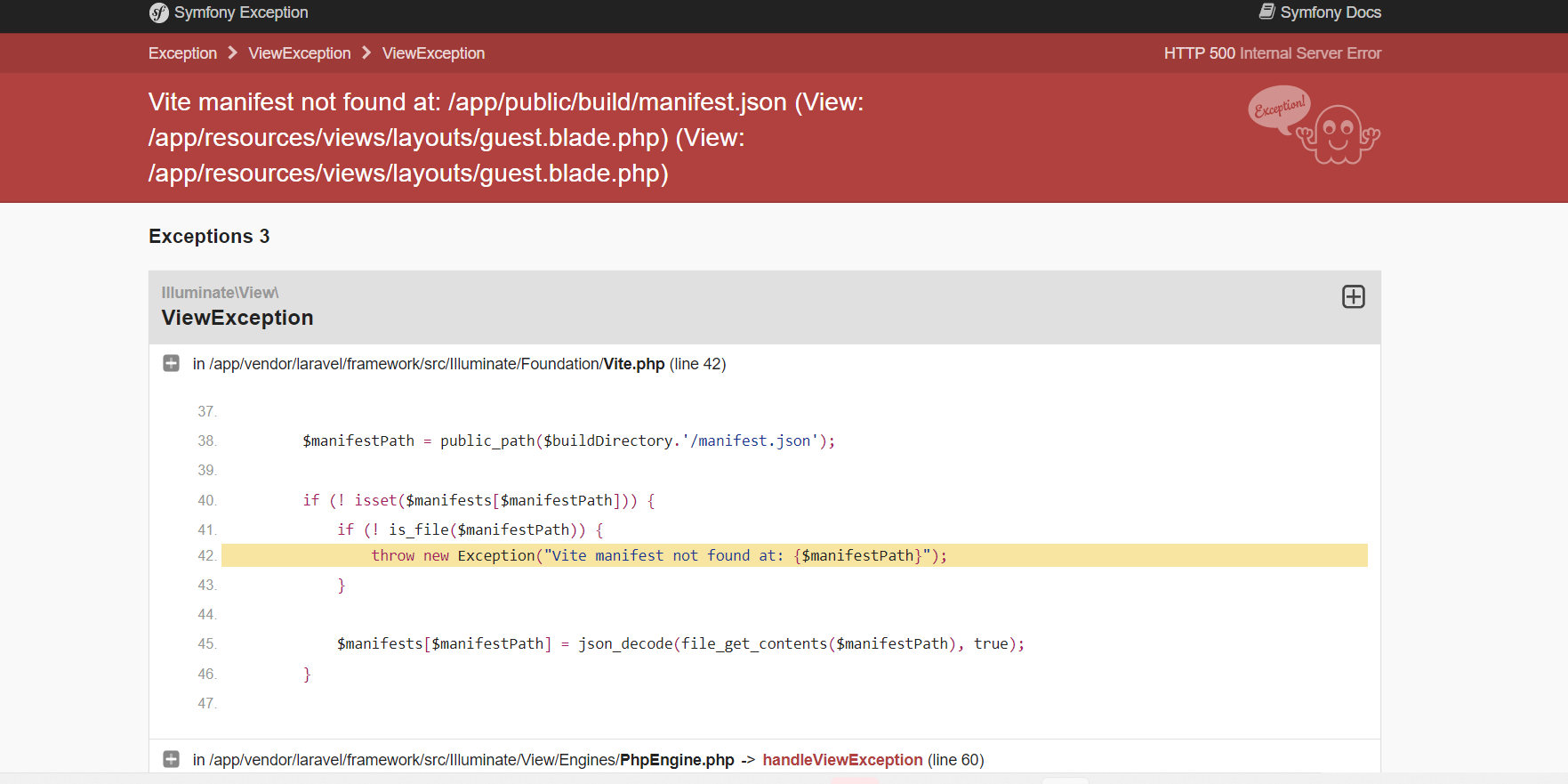
laravel heroku Vite manifest not found at: /app/public/build/manifest.jso

Viewed 1691
3 Answers

okay , the solution is to add both nodejs and php buildpacks to the project before deployment (you can do this also after deployment but you have to redeploy the project)

heroku buildpacks:set heroku/php
heroku buildpacks:set heroku/nodejs

and make sure you have the two buildpacks (php and node js) in your project by using this code

heroku buildpacks

note : you can add buildpacks with heroku dashboard in setting section

I fixed mine:

This solution is inspired by zneharks

$ heroku plugins:install buildpack-registry
$ heroku plugins:install buildpacks  

Solution of zneharks

And I set nodejs

$ heroku buildpacks

Or

$ heroku buildpacks:set heroku/nodejs

I solved my code with this

$ heroku buildpacks:add --index 1 heroku/nodejs and $ heroku buildpacks

after running this in my terminal, I adjusted my code and push to heroku again. Note: The --index 1 means nodejs build pack will run first before php. PHP Buildpack has already been reinstalled with laravel/heroku. when you run

heroku buildpacks

it should give you the two buildpacks which is

$ heroku/nodejs and heroku/php
Related