I am just beginner at programming with VBA on Visio. What I am looking to do is to write a code that automatically draws a connector between two shapes.
Searching on internet I was able to find a code that does that :
Public Sub AutoConnect_Example()
Dim vsoShape1 As Visio.Shape
Dim vsoShape2 As Visio.Shape
Dim vsoConnectorShape As Visio.Shape

Set vsoShape1 = Visio.ActivePage.Shapes("Decision")
Set vsoShape2 = Visio.ActivePage.Shapes("Process")
Set vsoConnectorShape = Visio.ActivePage.Shapes("Dynamic connector")

vsoShape1.AutoConnect vsoShape2, visAutoConnectDirRight, vsoConnectorShape
End Sub
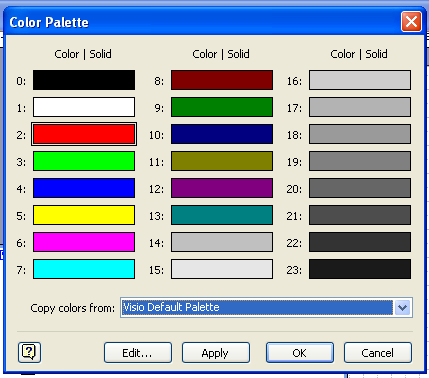
The only thing I want to do now is to be able to add a text on the connector. Let's say add "SSL" on the connector and if possible change to color of the connector to red.
Does anyone knows what is the formula please ? My objective will be to add it to the code just below.
Hope my English isn't too bad. Thanks all for any help.
Raph