
I have a question on computer vision which I tried to come up with a solution on, but I have not made any significant progress on that.
Compute the clean averages image in the space of the target image
A. Calculate the average image of the target image with the
mapped images (in the coordinate system of the target
image). Note that in each position (pixel) there can be a
different number of values that contribute to the mean,
because a mapped image does not necessarily cover the
entire target image (and if you use advanced interpolation
the contributions are not integers). One possible way to
deal with this phenomenon is to map (for each source
image) an image that is composed entirely of 1s to the
target image space and maintain a matrix that counts the
number of contributions per pixel - this will allow
calculation of an average by dividing the cumulative
contribution to a pixel by the number of donations to a
pixel.
noisy_01.jpg, noisy_02.jpg, noisy_03.jpg
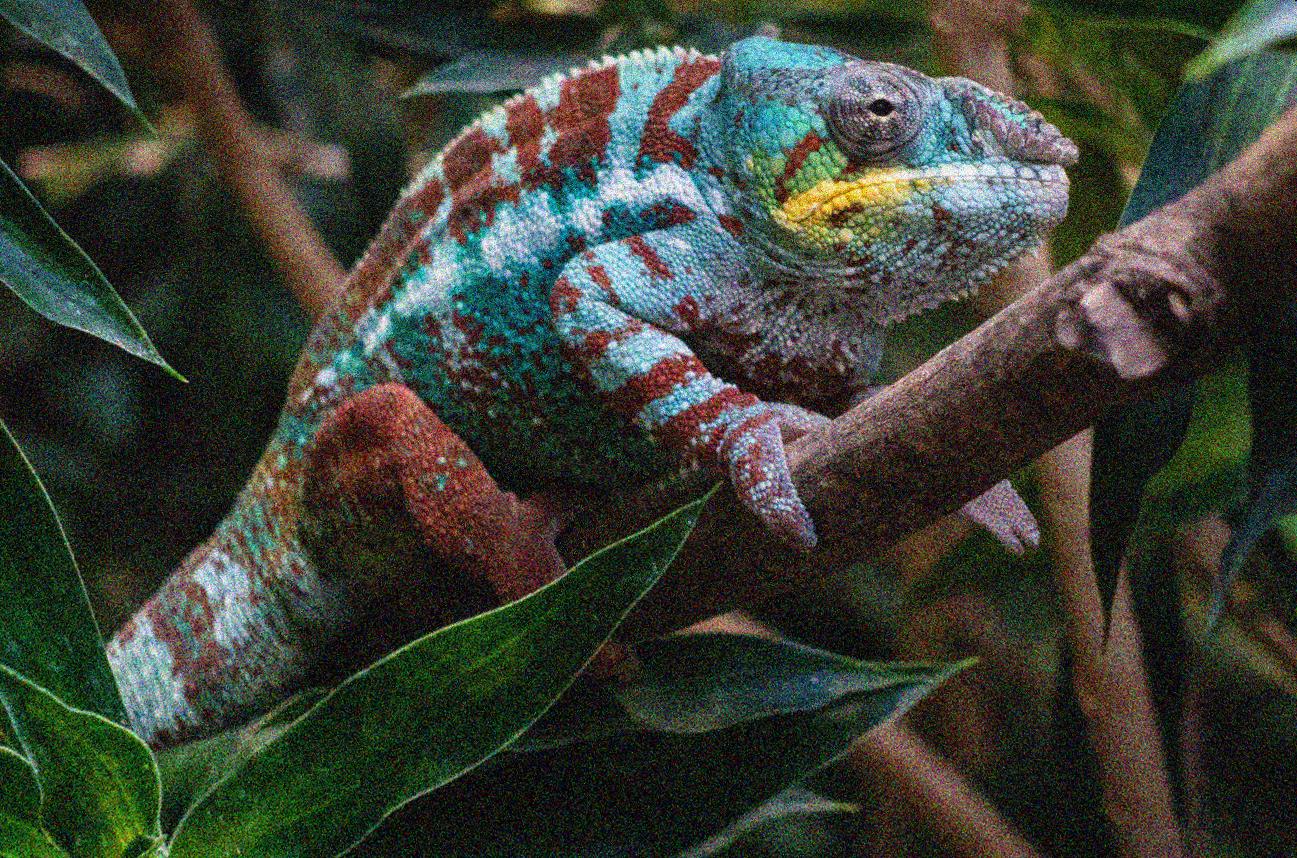
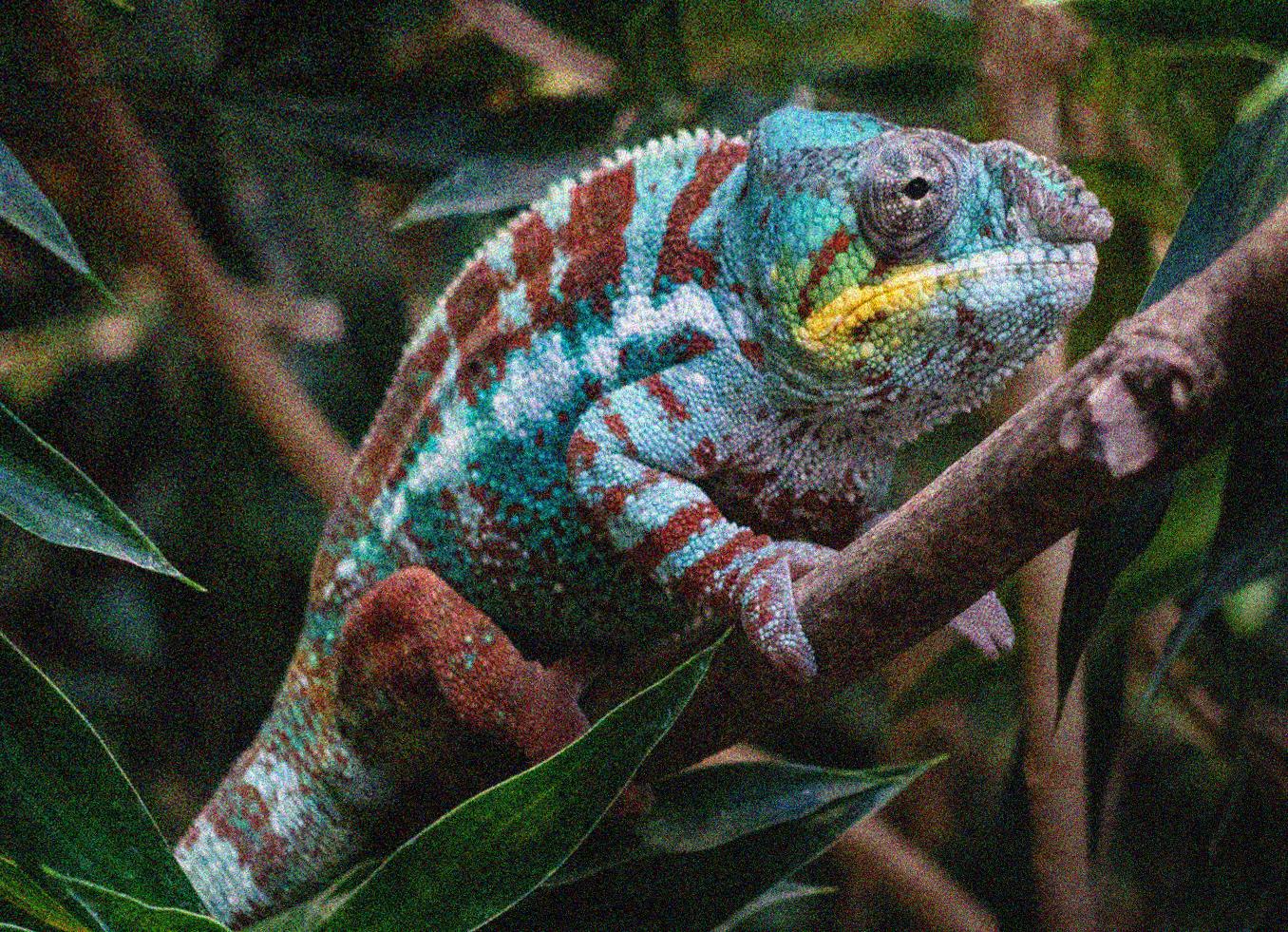
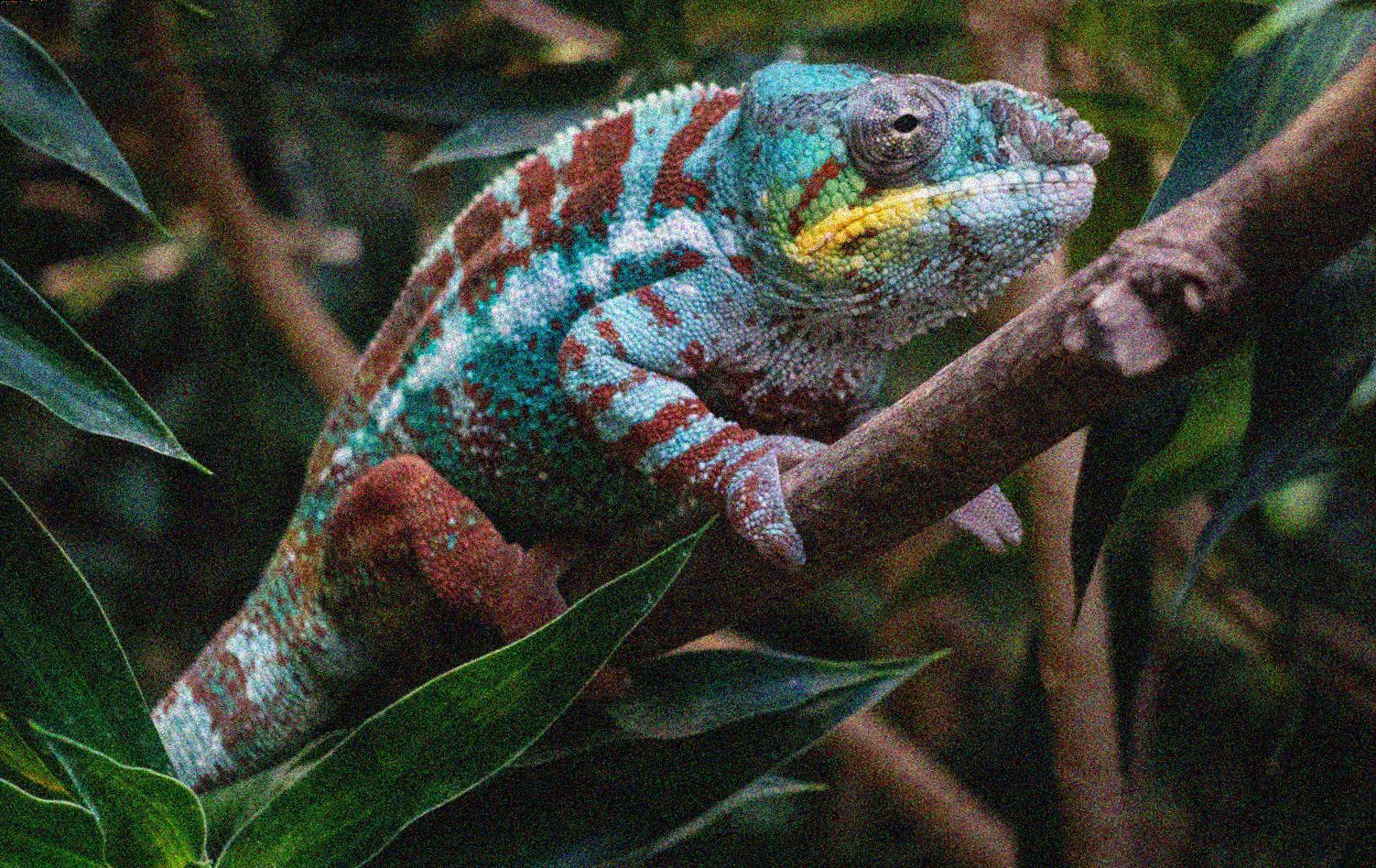
target.jpg
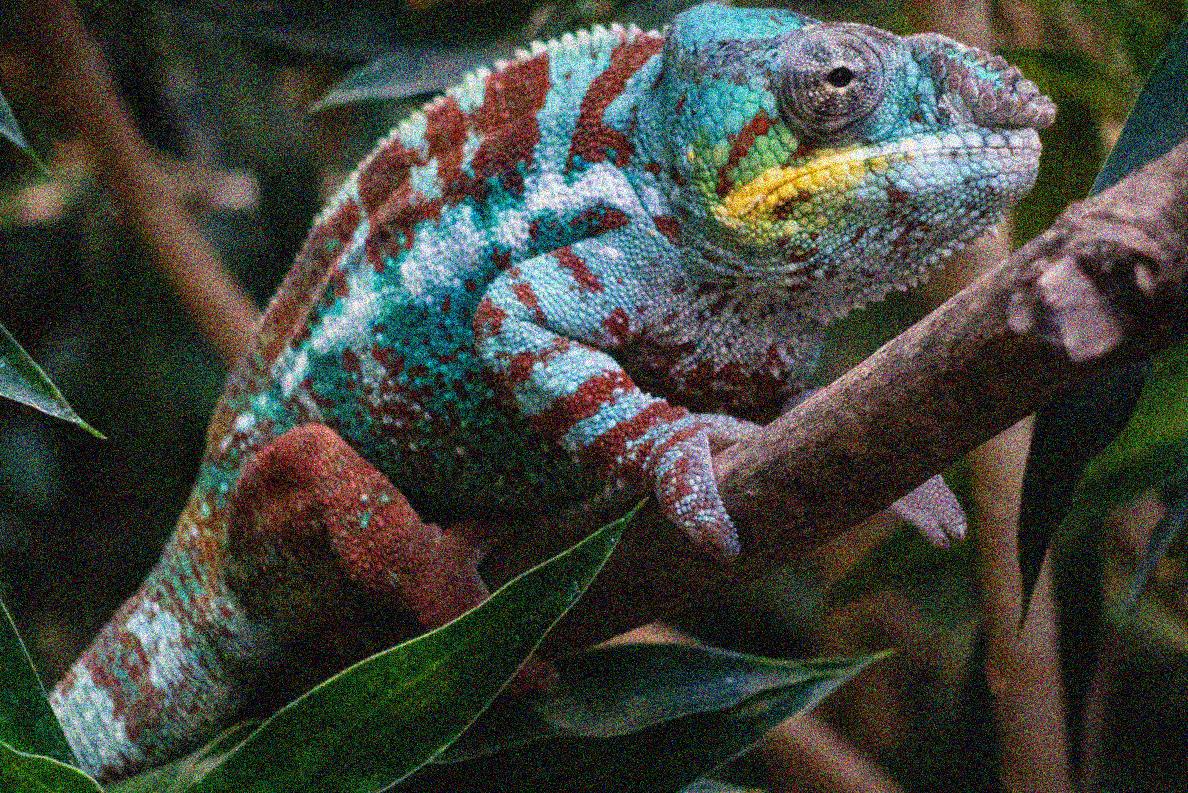
I have two sets of images a target(image) and a set of noisy images. I want to Compute a clean averages image in the space of the target image.
I highlighted these steps to achieve the above objective but I am sure of my steps.
Steps
Calculate the average of all source image
Map all 1s from the mean source image to the target image
maintain a matrix that counts the number of contributions per pixel
Calculate the average by dividing the cumulative contribution to a pixel by the number of donations to a pixel.
I also went further to calculate the weighted average of my images and I really don't know how to proceed from here.
I am just a beginner on computer vision
import numpy as np
import cv2
import os

def read_images(file_path):
    images= []
    for root,dir,files in os.walk(os.path.join(os.getcwd(),file_path )):
        for file in files:
            images.append(cv2.imread(os.path.join(root,file),1))
    return images

images = read_images(file_path)
all_images = images[:-1]
target_image =  images[-1:][0]

for i in range(len(all_images)):
    alpha = 1.0/(i + 1)
    img = cv2.resize(all_images[i], (750, 750),interpolation=cv2.INTER_AREA)
    target = cv2.resize(target_image, (750, 750),interpolation=cv2.INTER_AREA)
    beta = 1.0 - alpha
    avg_image = cv2.addWeighted(img, alpha, target, beta, 0.0)

cv2.imwrite('avg_happy_face.png', avg_image)
avg_image = cv2.imread('avg_happy_face.png')
cv2.imshow("image", avg_image)
cv2.waitKey(0)
cv2.destroyAllWindows()