
I am working on a task that involves the use of image processing techniques to clean a noisy image with the help of other (noisy) images which overlap it in their area. To achieve this, I will need to calculate the warp of each of the images to the target image, i.e. calculate the alignment between them.
My goal is to apply the necessary warps in order to copy each of the images to the target image.
Example images: source_01.jpg, source_02.jpg, target.jpg
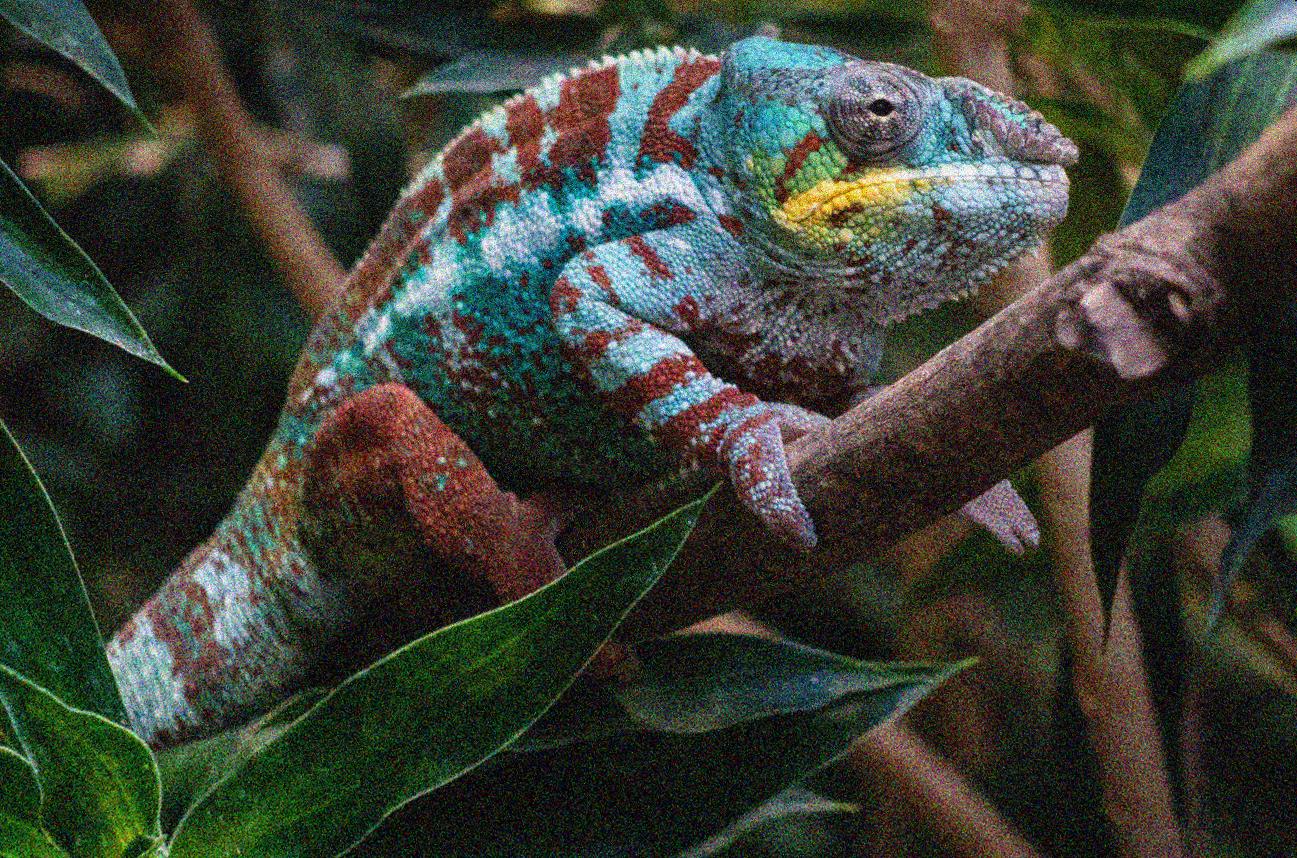
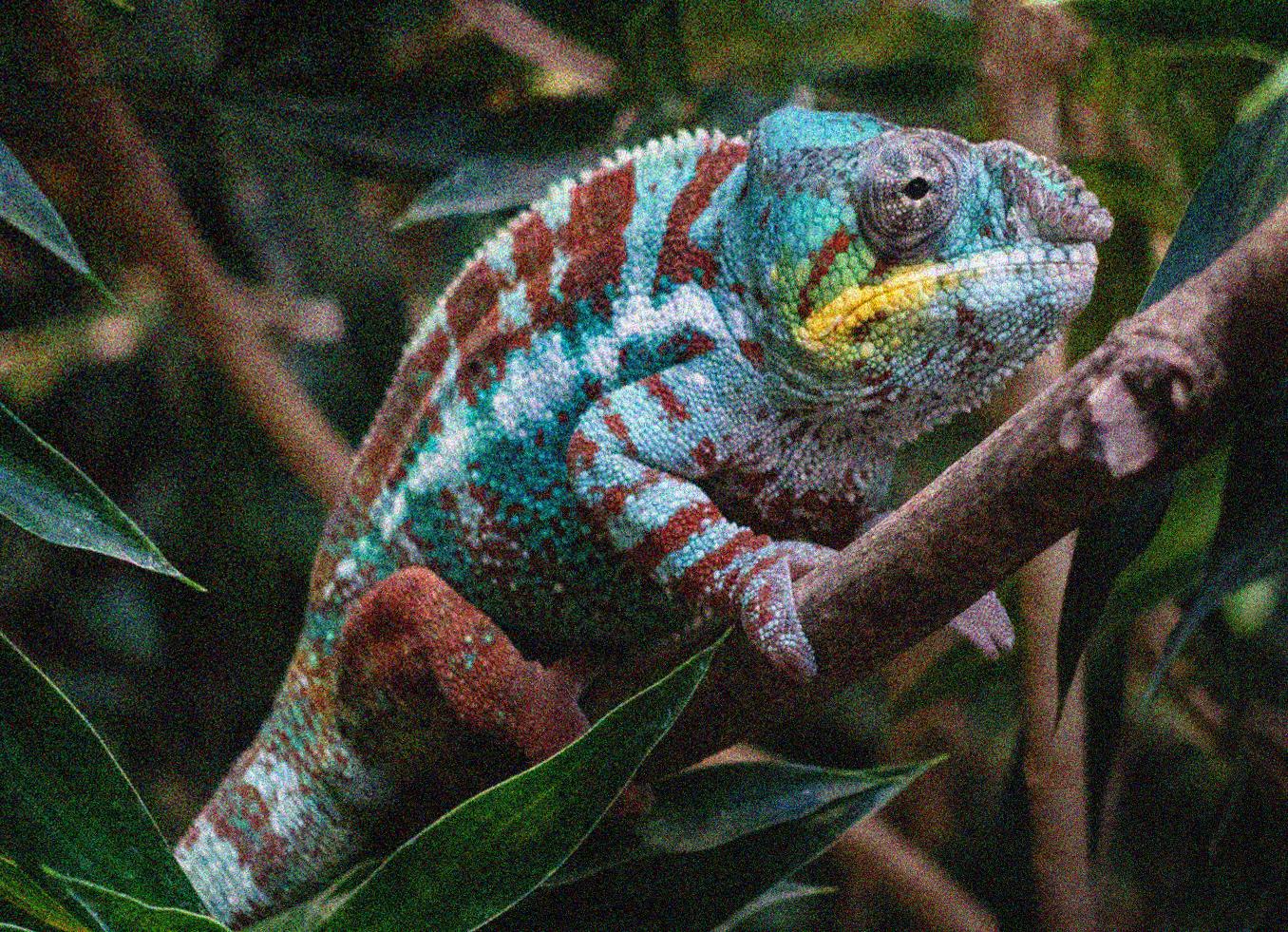
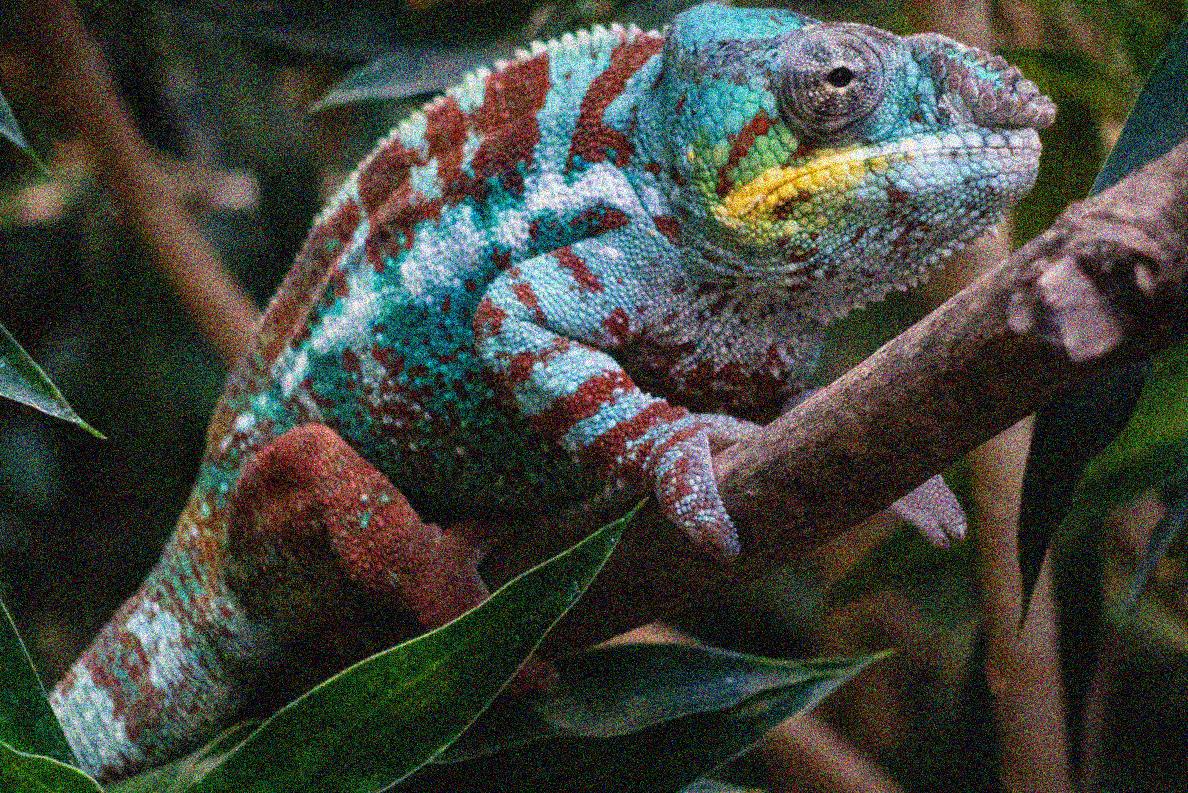
To achieve the above, I first implemented SIFT using the OpenCV module to obtain the [x, y, r, t] values, calculate keypoints distances, and also Implemented a simple RANSAC loop with the homography solver in other to calculate more accurate the locations of matched key points in both the images.
My code.
import numpy as np
import cv2
import os

import matplotlib.pyplot as plt
import tqdm
from functools import reduce
from operator import concat
from skimage.measure import ransac
from skimage.transform import ProjectiveTransform, AffineTransform
from functools import reduce
from operator import concat


file_path = 'denoising_sets\cameleon__N_8__sig_noise_5__sig_motion_103'
def read_images(file_path):
    images= []
    for root,dir,files in os.walk(os.path.join(os.getcwd(),file_path )):
        for file in files:
            images.append(cv2.imread(os.path.join(root,file),0))
    return images
images = read_images(file_path)
img1 = images[0]
img2 =  images[1]
target_image =  images[-1]


def good_match_keypoints(img1,img2, show=True):
    # Initiate SIFT detector
    sift = cv2.SIFT_create()
    # find the keypoints and descriptors with SIFT
    kp1, des1 = sift.detectAndCompute(img1, None)
    kp2, des2 = sift.detectAndCompute(img2, None)
    # BFMatcher with default params
    bf = cv2.BFMatcher()
    matches = bf.knnMatch(des1, des2, k=2)
    # Apply ratio test
    good = []
    for m, n in matches:
        if m.distance < 0.8 * n.distance:
            good.append([m])
    good_match = reduce(concat, good)
    # cv2.drawMatchesKnn expects list of lists as matches.
    img3 = cv2.drawMatchesKnn(img1, kp1, img2, kp2, good, flags=2, outImg=img2)
    if show:
        plt.imshow(img3), plt.show()
    return good_match, kp1, kp2


good_match, kp1, kp2 = good_match_keypoints(img1,img2, show=True)

keypoints distance
pts1 = np.float32([kp1[m.queryIdx].pt for m in good_match])
pts2 = np.float32([kp2[m.trainIdx].pt for m in good_match])
I used the RANSAC loop with the homography solver in other to calculate more accurately the locations of matched key points in both the images.
def ransc_loop(pts1, pts2, show=True):

    model, inliers = ransac(
                (pts1, pts2),
                AffineTransform, min_samples=4,
                residual_threshold=8, max_trials=10000
            )

    n_inliers = np.sum(inliers)

    inlier_keypoints_left = [cv2.KeyPoint(point[0], point[1], 1) for point in pts1[inliers]]
    inlier_keypoints_right = [cv2.KeyPoint(point[0], point[1], 1) for point in pts2[inliers]]
    placeholder_matches = [cv2.DMatch(idx, idx, 1) for idx in range(n_inliers)]
    image3 = cv2.drawMatches(img1, inlier_keypoints_left, img2, inlier_keypoints_right, placeholder_matches, None)
    if show:
        plt.imshow(image3)
        plt.show()

    src_pts = np.float32([ inlier_keypoints_left[m.queryIdx].pt for m in placeholder_matches ]).reshape(-1, 2)
    dst_pts = np.float32([ inlier_keypoints_right[m.trainIdx].pt for m in placeholder_matches ]).reshape(-1, 2)

    return src_pts, dst_pts

src_pts, dst_pts = ransc_loop(pts1, pts2)
This is what the src_pts and dst_pts look like
(array([[ 106.41315,  332.88037],
        [ 120.28672,  314.56943],

array([[ 116.75639,  576.8563 ],
       [ 130.71513,  555.35364],
Finally, I want to use warping to copy a source image to the target image, based on the adapted transformation. I don't know how to achieve this. Please I need assistance on how to achieve this.
This are the steps involve
