
hi i created a file in vs code named "todo" and it got a checkmark icon. I thought that this could be used somehow, but didn't find any information about it. what does it look like. how it can be used?

2 Answers
It is just an icon indicating the file type.
VS Code doesn't have any native features for doing anything special with TODO files.
There may be extensions on the marketplace that could do something with the format.
I was wondering exactly the same thing! I haven't been able to find any native functionality of VSCode that deals with ToDo files, however I did find ToDo Tree, a neat looking extension which will provide highlighting for any todo/bug(etc) comments, and also group them together in the activity bar.
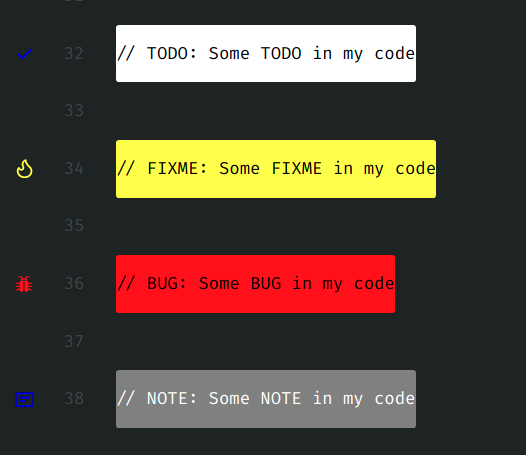
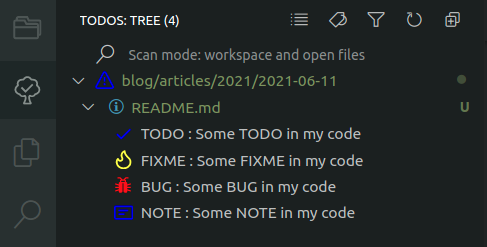
Find more info on Thomas Venturini's blog post
Related