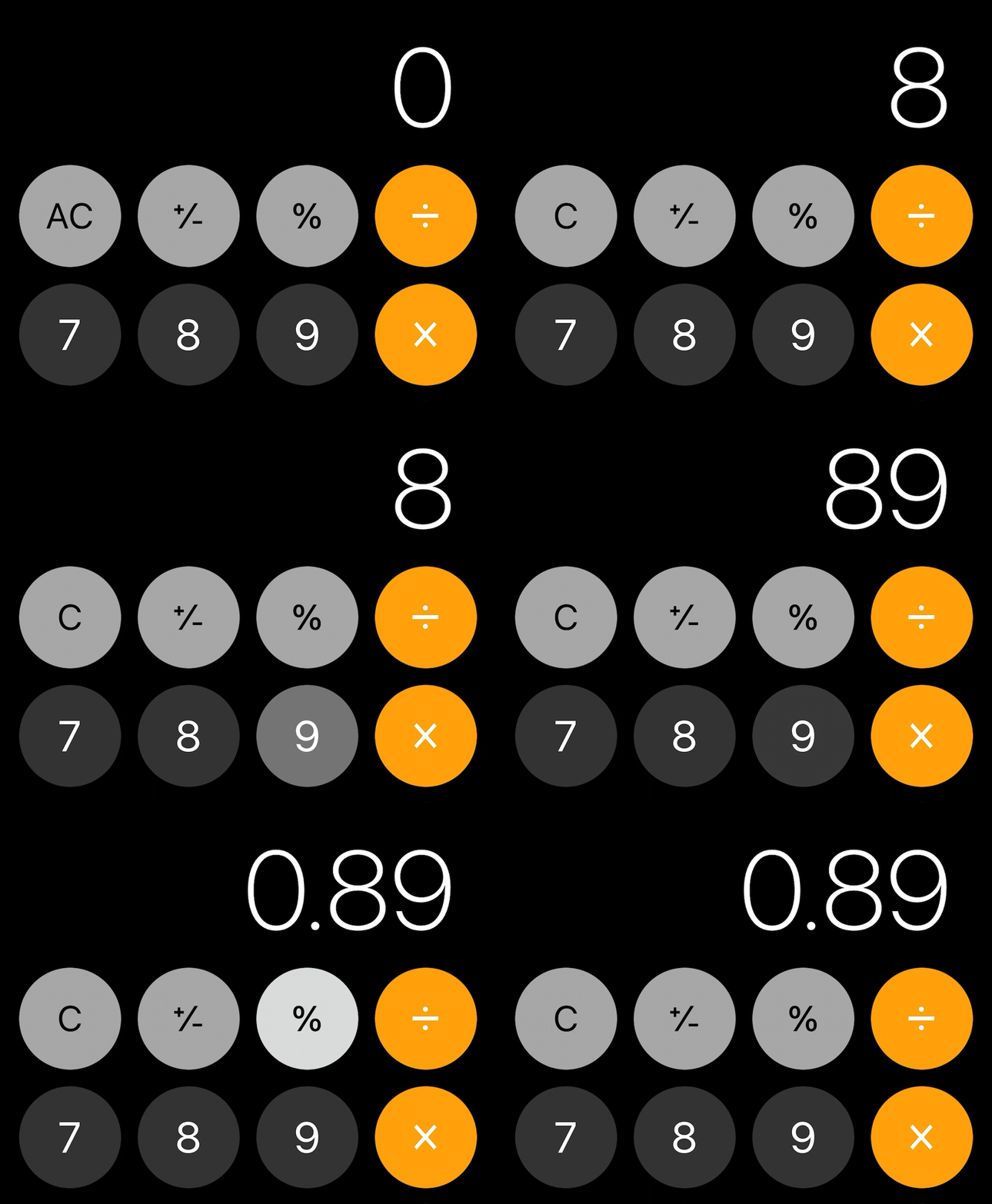
When a View is pressed I know through a model button.isSelected. How do I animate the view's foreground color, similar to the IOS calculators button press animation?
Something like:
White -> Grey -> White
struct ButtonView: View {
    let button: ViewModel.Button


    var body: some View {
        let shape = Rectangle()
        ZStack {
            shape.fill().foregroundColor(button.isSelected ? Color.gray : Color.white)
                .animation(Animation.linear(duration: 0.01))
            .border(Color.black, width: 0.33)
            Text(button.content)
            .font(Font.system(size:32))

        }
    }
}