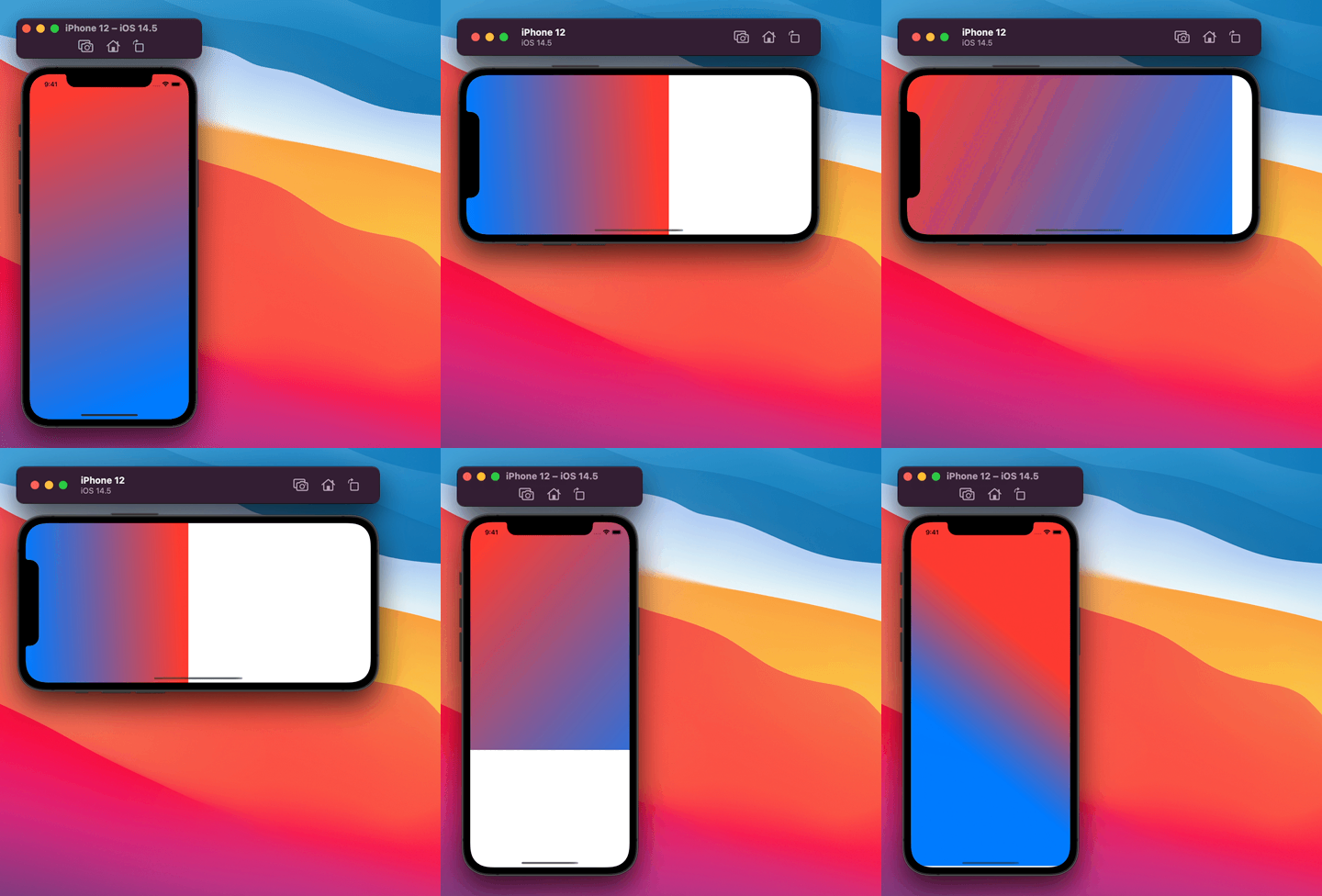
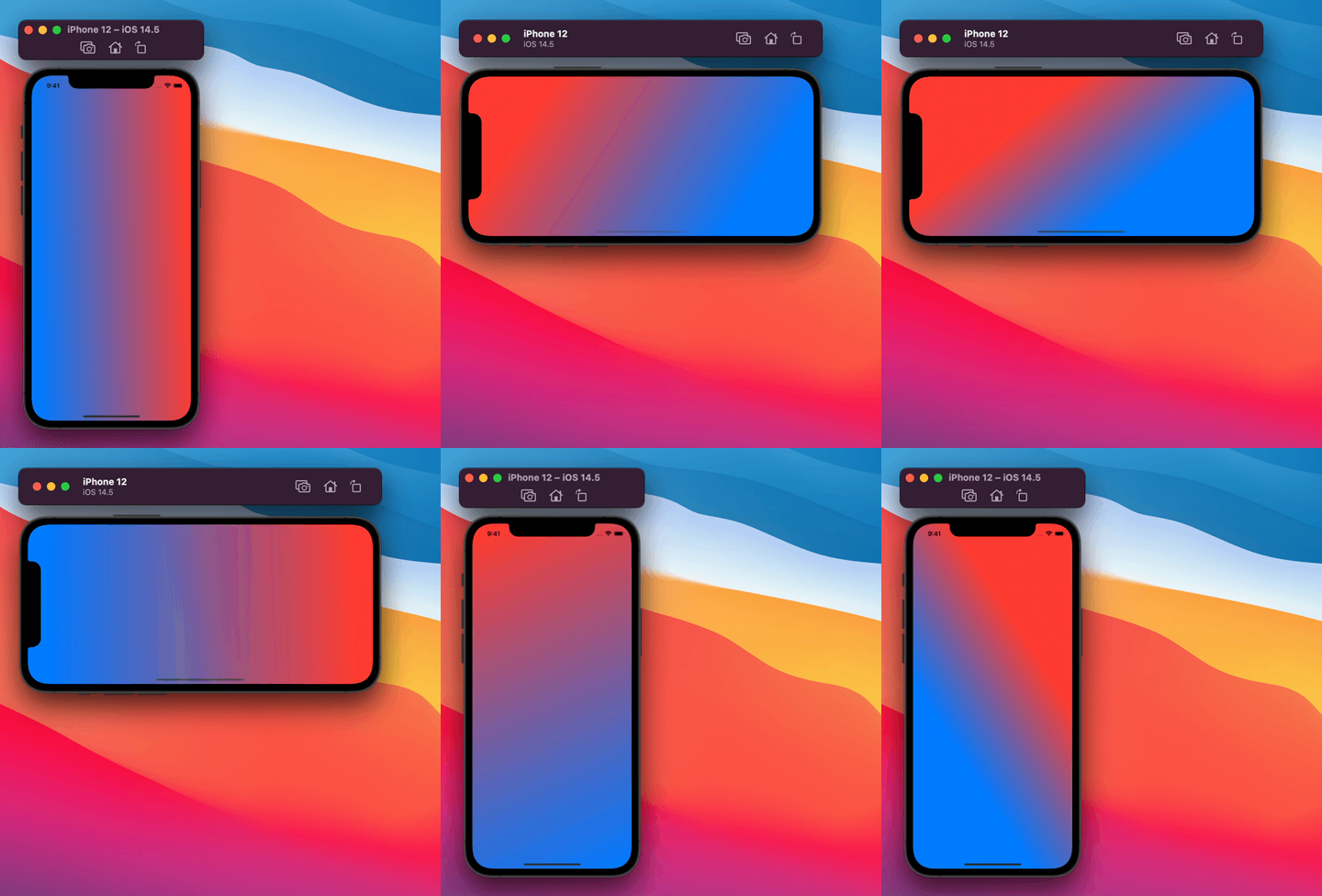
This is what I used to create an animating gradient view
struct AnimatedBackground: View {
   @State var start = UnitPoint.leading
   @State var end = UnitPoint.trailing


   let timer = Timer.publish(every: 1, on: .main, in: .default).autoconnect()
   let colors: [Color] = [ .blue, .red ]


   var body: some View {


       LinearGradient(gradient: Gradient(colors: colors), startPoint: start, endPoint: end)
           .animation(Animation.easeInOut(duration: 3).repeatForever())
           .onReceive(timer, perform: { _ in


                self.start = .topLeading
               self.end = .bottomTrailing


               self.start = .bottom
               self.end = .top


               self.start = .bottomLeading
               self.end = .topTrailing


               self.start = .leading
               self.end = .trailing


               self.start = .topLeading
               self.end =  .bottomTrailing


               self.start = .top
               self.end = .bottom


               self.start = .bottomLeading
               self.end = .topTrailing


               self.start = .leading
               self.end = .trailing


           }).edgesIgnoringSafeArea(.all)
   }
}
It works properly when I view it in the preview canvas on Xcode but when I run it on device not only does the gradient not animate but the view itself moves on and off the screen.