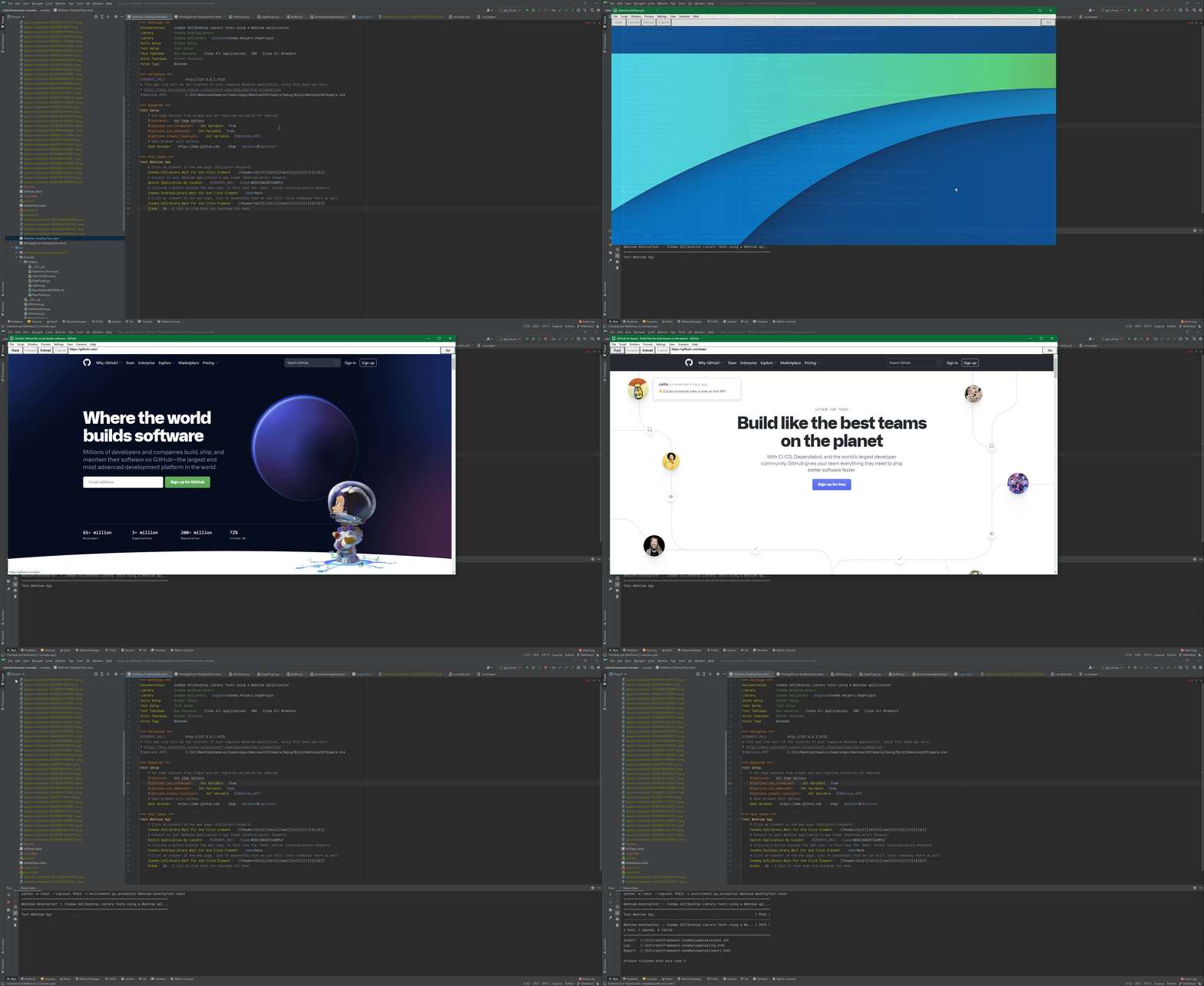
I have an application developed using webview2. It is a web application that would be driven by Microsoft Edge(Chromium). It would give a feel of Native/Desktop app instead of web app to the end user.
I want to automate testing for this app using Robot framework. I have tried desktop libraries for scripting the test cases but I am facing issue while locating the elements on screen.
I have tried Zoomba, Sikuli, Flaui, White but each one is failing, but when I researched more in this component I found an documentation which uses Dotnet, Selenium and Edge drivers for testing it.
Can someone help how can we write below code in Robot to test the same using Selenium Library:
static void Main(string[] args) {
EdgeOptions edgeOptions = new EdgeOptions(false, "webview2");
edgeOptions.BinaryLocation = @"C:\path\to\your\webview2\project.exe";
string msedgedriverDir = @"C:\path\to\your\msededriver.exe's\directory";
string msedgedriverExe = @"msedgedriver.exe";
EdgeDriverService service = EdgeDriverService.CreateDefaultService(msedgedriverDir, msedgedriverExe, false);

EdgeDriver e = new EdgeDriver(service, edgeOptions);
e.Url = @"https://www.microsoft.com";
e.Quit();
}