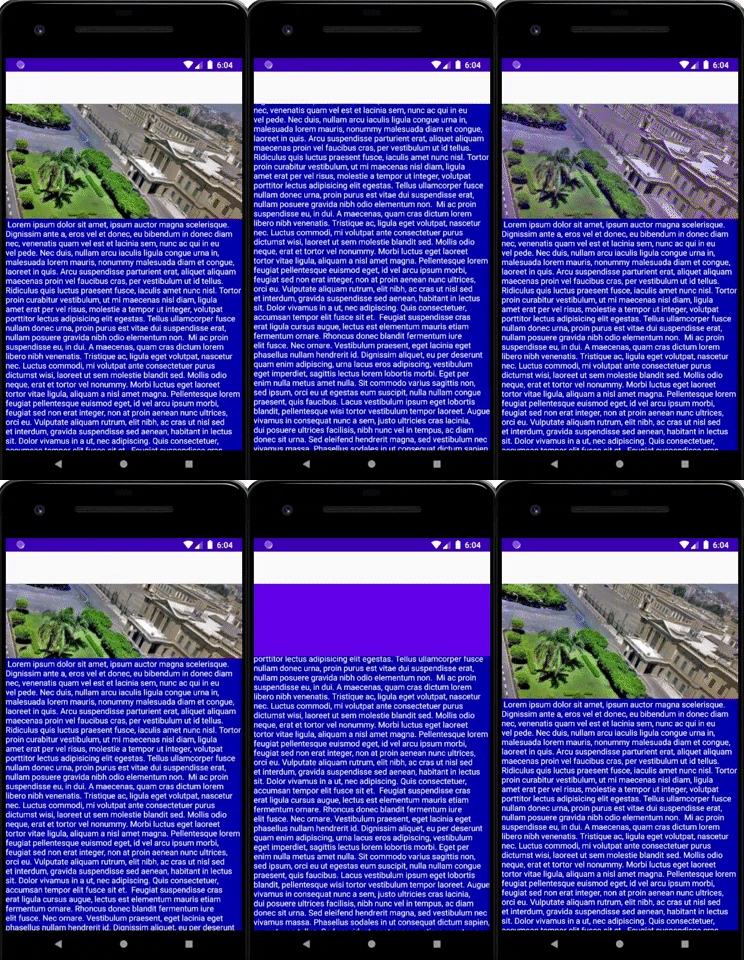
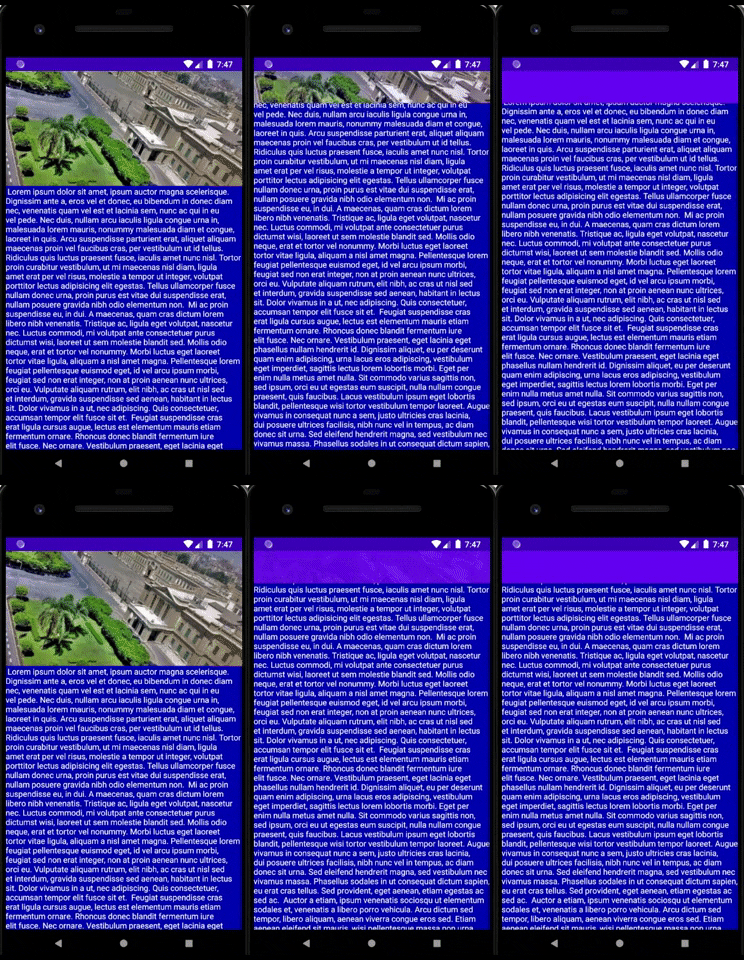
I've CoordinatorLayout with App Bar layout inside which is collapsing toolbar mechanism.
Below I've placed the progress bar and Constraint Layout, recycler view's within.
The problem is: when scrolling the toolbar's below the content, I want it (toolbar) always up. If somebody has suggestions about layout code, I'm open
<?xml version="1.0" encoding="utf-8"?>
    <androidx.coordinatorlayout.widget.CoordinatorLayout xmlns:android="http://schemas.android.com/apk/res/android"
        xmlns:app="http://schemas.android.com/apk/res-auto"
        xmlns:tools="http://schemas.android.com/tools"
        android:layout_width="match_parent"
        android:layout_height="match_parent"
        tools:context=".fragments.HotelFragment">

        <com.google.android.material.appbar.AppBarLayout
            android:layout_width="match_parent"
            android:layout_height="200dp">

            <com.google.android.material.appbar.CollapsingToolbarLayout
                android:id="@+id/collapsing_toolbar"
                android:layout_width="match_parent"
                android:layout_height="match_parent"
                android:fitsSystemWindows="true"
                app:contentScrim="?attr/colorPrimary"
                app:layout_scrollFlags="scroll|enterAlways">

                <ImageView
                    android:layout_width="match_parent"
                    android:layout_height="200dp"
                    android:fitsSystemWindows="true"
                    android:scaleType="centerCrop"
                    android:src="@drawable/landscape3"
                    app:layout_collapseMode="parallax" />

                <androidx.appcompat.widget.Toolbar
                    android:id="@+id/toolbar"
                    android:layout_width="match_parent"
                    android:layout_height="?attr/actionBarSize"
                    app:layout_collapseMode="pin"
                    app:layout_scrollFlags="scroll|enterAlways" />
            </com.google.android.material.appbar.CollapsingToolbarLayout>
        </com.google.android.material.appbar.AppBarLayout>


        <ProgressBar
            android:id="@+id/progress_circle"
            style="@style/Widget.AppCompat.ProgressBar"
            android:layout_width="wrap_content"
            android:layout_height="wrap_content"
            android:layout_gravity="center_vertical|center_horizontal"
            android:indeterminateTint="@color/metalic_yellow" />


        <androidx.constraintlayout.widget.ConstraintLayout
            android:layout_width="match_parent"
            android:layout_height="match_parent"
            app:layout_behavior="@string/appbar_scrolling_view_behavior">

            <androidx.recyclerview.widget.RecyclerView
                android:id="@+id/cardRecycler"
                android:layout_width="match_parent"
                android:layout_height="match_parent"
                android:layout_alignParentStart="true"
                android:layout_alignParentBottom="true"
                android:layout_marginTop="?attr/actionBarSize"
                android:layout_marginBottom="0dp"
                tools:layout_editor_absoluteX="177dp"
                tools:layout_editor_absoluteY="260dp" />
        </androidx.constraintlayout.widget.ConstraintLayout>
    </androidx.coordinatorlayout.widget.CoordinatorLayout>
UPDATE
This solution work's perfectly fine in my project.
 <?xml version="1.0" encoding="utf-8"?>
<androidx.coordinatorlayout.widget.CoordinatorLayout xmlns:android="http://schemas.android.com/apk/res/android"
    xmlns:app="http://schemas.android.com/apk/res-auto"
    xmlns:tools="http://schemas.android.com/tools"
    android:layout_width="match_parent"
    android:layout_height="match_parent"
    tools:context=".fragments.HotelFragment">

        <com.google.android.material.appbar.AppBarLayout
            android:layout_width="match_parent"
            android:layout_height="200dp">

            <com.google.android.material.appbar.CollapsingToolbarLayout
                android:id="@+id/collapsing_toolbar"
                android:layout_width="match_parent"
                android:layout_height="match_parent"
                android:fitsSystemWindows="true"
                android:background="@drawable/landscape3"
                app:layout_scrollFlags="scroll|exitUntilCollapsed">


                <androidx.appcompat.widget.Toolbar
                    android:id="@+id/toolbar"
                    android:layout_width="match_parent"
                    android:layout_height="?attr/actionBarSize"
                    app:layout_scrollFlags="scroll|enterAlways"
                    app:layout_collapseMode="pin"/>

            </com.google.android.material.appbar.CollapsingToolbarLayout>
        </com.google.android.material.appbar.AppBarLayout>

    <ProgressBar
        android:id="@+id/progress_circle"
        style="@style/Widget.AppCompat.ProgressBar"
        android:layout_width="wrap_content"
        android:layout_height="wrap_content"
        android:layout_gravity="center_vertical|center_horizontal"
        android:indeterminateTint="@color/metalic_yellow" />


    <androidx.constraintlayout.widget.ConstraintLayout
        android:layout_width="match_parent"
        android:layout_height="match_parent"
        app:layout_behavior="@string/appbar_scrolling_view_behavior">

        <androidx.recyclerview.widget.RecyclerView
            android:id="@+id/cardRecycler"
            android:layout_width="match_parent"
            android:layout_height="match_parent"
           />
    </androidx.constraintlayout.widget.ConstraintLayout>
</androidx.coordinatorlayout.widget.CoordinatorLayout>
It looks strange, in fact nothing has changed. Maybe it's important that I'm using Navigation Component Library. Below I place code responsible for integration between my layout and Navigation mechanism. It comes from official Google docs.
val layout = binding.collapsingToolbar
val toolbar = binding.toolbar
val navController = findNavController()
val appBarConfiguration = AppBarConfiguration(navController.graph)
layout.setupWithNavController(toolbar, navController, appBarConfiguration)