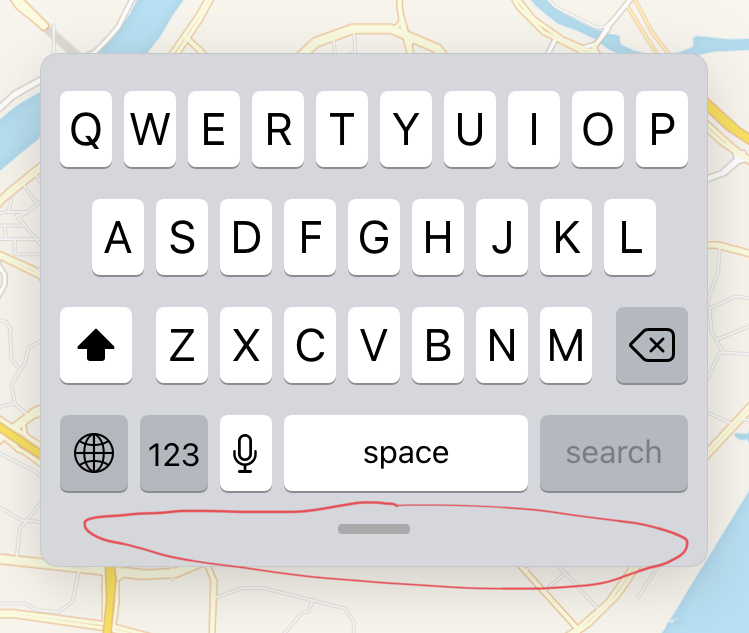
I'm working with an iPad application using SwiftUI. Now I have a MenuView Stacked on a MapView. The MenuView is supposed to imitate the iPad built-in app Map's menu. Now I'm puzzling about how to implement the draggable bar to adjust the height of the MenuView. I have implemented a clumsy one(code attached below), and it's also stuttered and frame-dropping. I'm wondering if there is already a ready-to-use widget in SwiftUI, because both the Map and iPadOS's floating mini-keyboard have similar things (pictures attached below). Or is there any good ways to implement it? I would appreciate it if you could give me some advice :)
My implementation:
// MenuView.swift

struct MenuView: View {
    @Binding var menu_height: CGFloat

    var bottom_slider: some View {
            ZStack {
                Rectangle()
                    .fill(Color.white)
                    .opacity(0.011)
                    .frame(width: 400, height: 28, alignment: .center)
                    .edgesIgnoringSafeArea(.all)
                    .padding(.top,-5)
                RoundedRectangle(cornerRadius: 25)
                    .fill(Color.gray)
                    .frame(width: 100, height: 6, alignment: .center)
                    .padding(.bottom, 4)
                    .opacity(0.6)
            }
    }
    var body: some View {
        VStack{
            //...
            //...
            //...
        }
        ScrollView{
            //...
            //...
            //...
        }
        bottom_slider
            .frame(height: 20, alignment: .center)
            .gesture(DragGesture().onChanged({ value in
                let a = self.menu_height + (value.location.y - value.startLocation.y)
                if a<150 {
                    self.menu_height = 150
                } else if a>750{
                    self.menu_height = 750
                } else {
                    self.menu_height = a
                }}))
    }
}
// ContentView.swift
struct ContentView: View {
    @State var munu_height : CGFloat = 400
    var body: some View {
        ZStack {
            MyMapView(...)
                .edgesIgnoringSafeArea(.all)
            MenuView(menu_height: $menu_height, ...)
                .padding(.horizontal, 10.0)
                .frame(width: 400, height: height)
                .background(BlurView(colorScheme: colorScheme))
                .clipShape(RoundedRectangle(cornerRadius: 15))
                .shadow(radius: 8)
                .offset(x: 10, y:10)
        }
    }
}
My implementation pic:
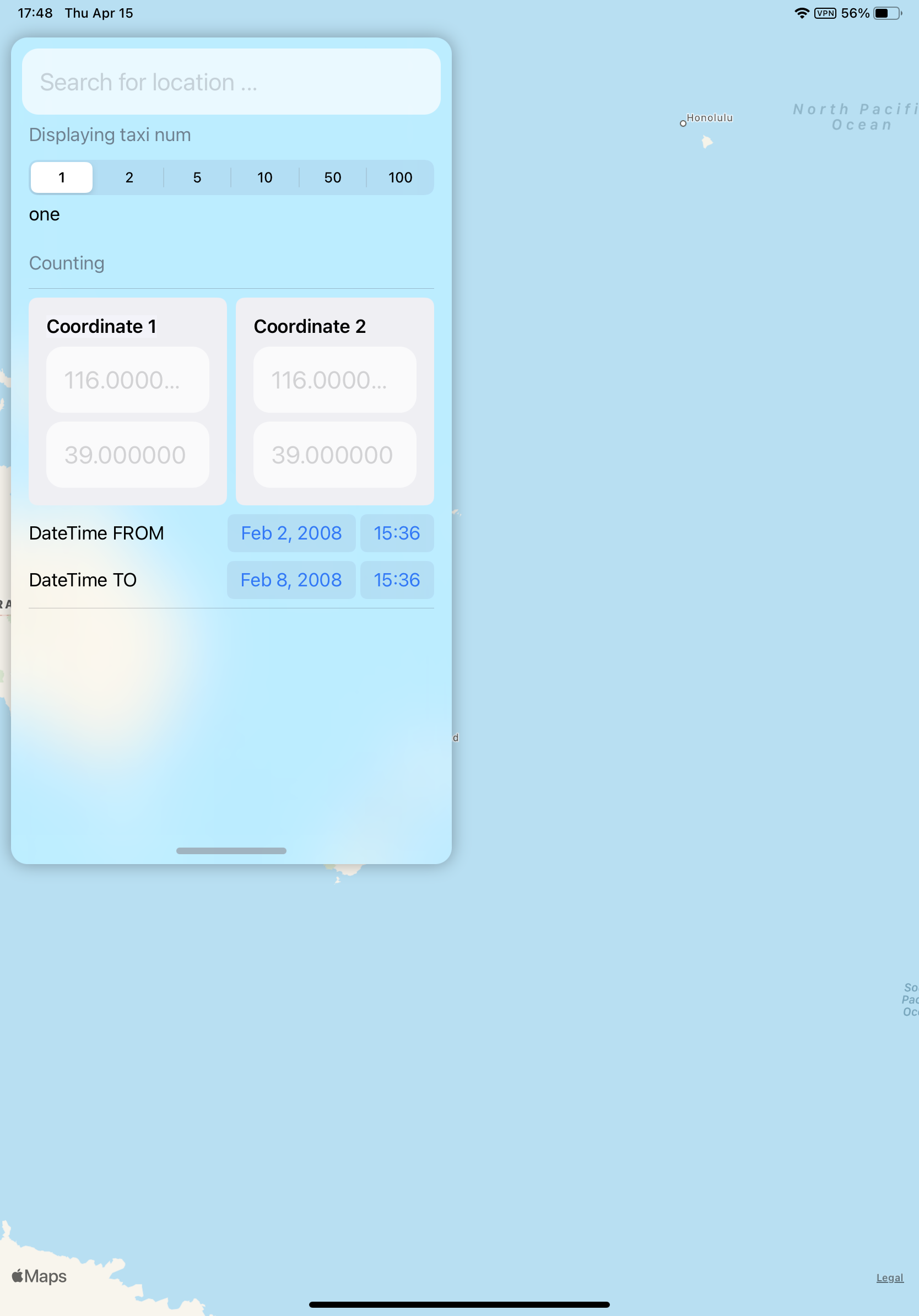
Built-in Map application:
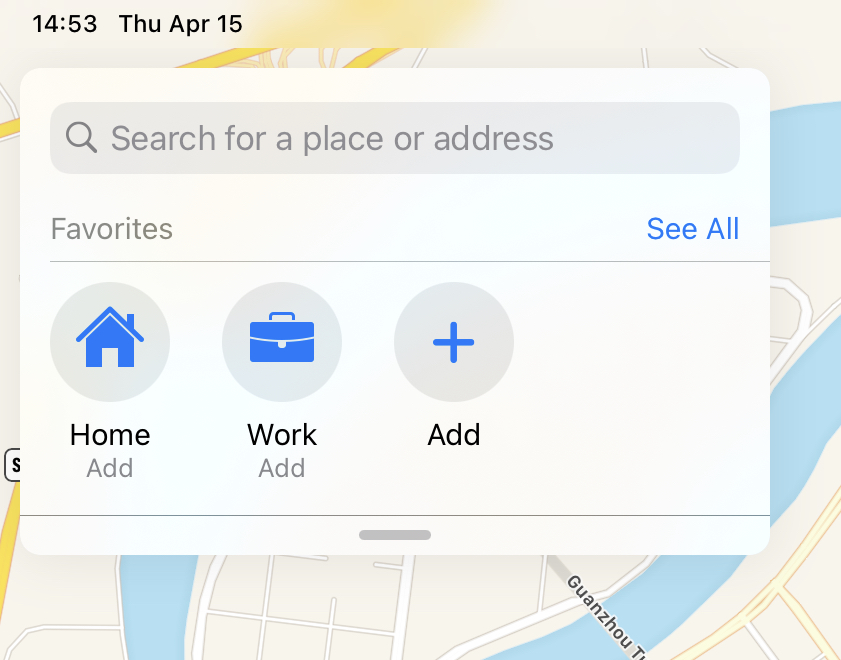
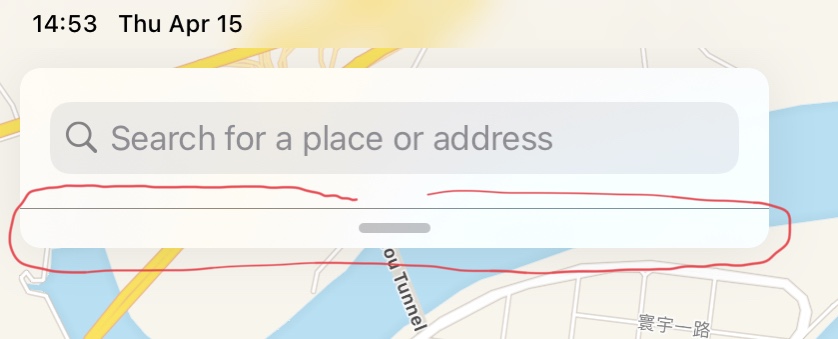
The iOS floating keyboard: