Resize image programatically to get the same result as a browser

Viewed 694

In my web application, I need to resize pictures to avoid loading really big files when I'm only displaying avatars or previews.

I'm using imagemagick to do the resize, but the result is always blurry. I tried a lot of command options (scale/resize/thumbnail, adding filters, changing color spaces, changing quality/density/sharpness, ...) but I never had a good result.

But when I try to display the big file in the browser and let the browser do the resize, the picture is displayed correctly, without any blur.

Here is a little test I did :

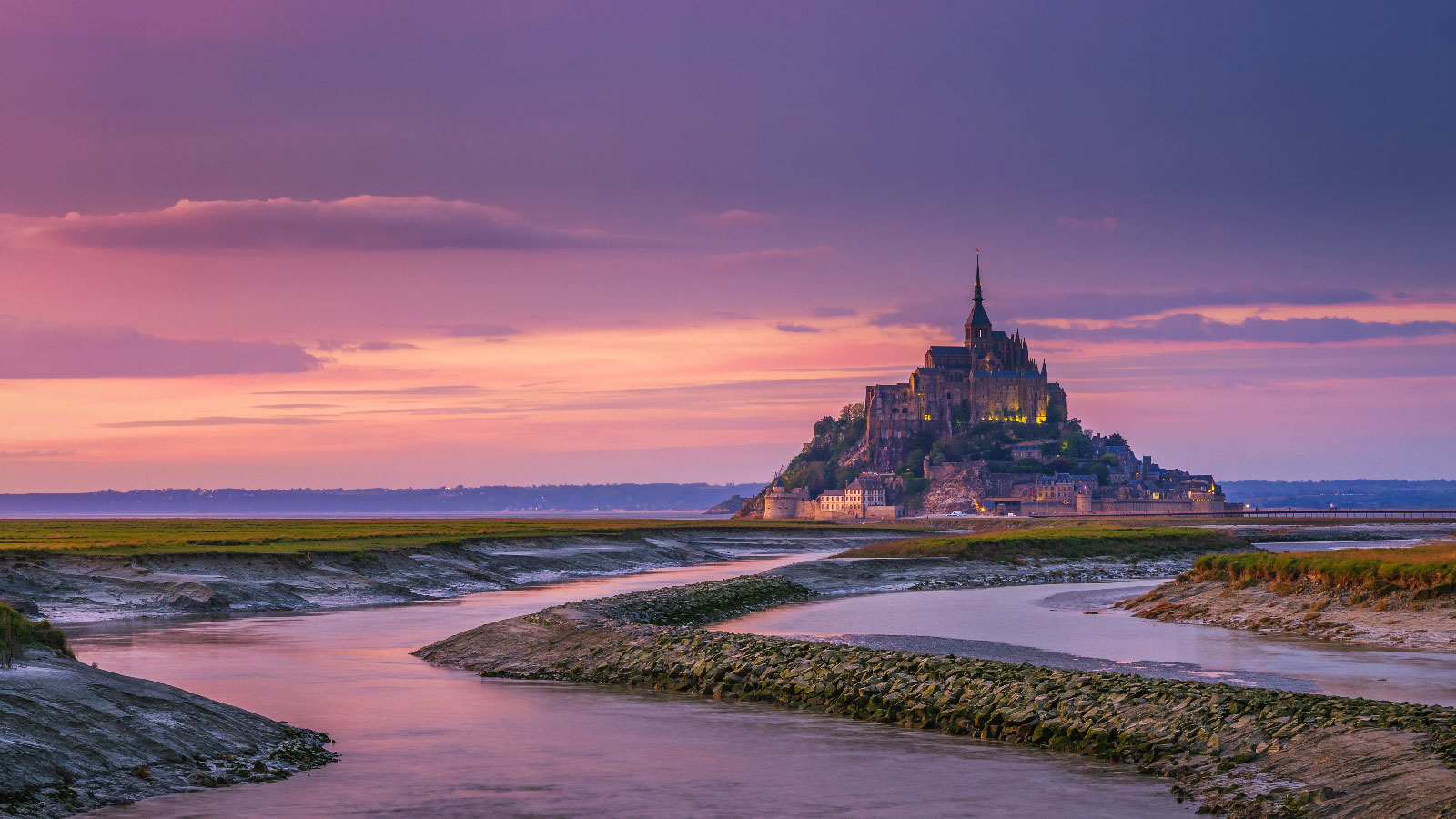
I downloaded this picture https://www.normandie-tourisme.fr/wp-content/uploads/2020/01/8118-Mont-Saint-Michel-couleur-dautomne-%C2%A9-DaLiu-Shutterstock.com-%C2%A9-DaLiu-Shutterstock.com_.jpg, renamed it st_michel.jpg and created a resized version with convert st_michel.jpg -resize 200x resize_st_michel.jpg

After that, I created a html file to display both:

<!DOCTYPE html>
<html>
<body>
  <div style="display: flex">
    <img src="st_michel.jpg" width=200>
    <img src="resize_st_michel.jpg" width=200>
  </div>
</body>
</html>

And here's the result :

enter image description here

As we can see, the right version (the version resized by imagemagick) is way more blurry than the browser-resized version (and I have the same results with any picture uploaded by the users of my web app).

So my question is : Can I have a picture with the same quality than the one resized by the browser using imagemagick ?

2 Answers

Downscaling always blurs things a bit, so you can recover some by sharpening, but text doesn't like it much.

A middle-of-the-road solution is to scale down to 400px which already produces a much smaller file, and leave the final scaling to the browser:

enter image description here

(left to right: full size (280K), 400px (32K), 200px+sharpen (16K)).

This will also let you have something bigger to display on high-definition displays where 200px may be a bit small.

Edit: trying to dig the matter a bit more I tried to grab your picture again but your site seems down, so I tried with a picture of mine and surprisingly the blurriness doesn't happen, I would even say that the pre-downscaled image is better than the one produced by Firefox from the full-size image (see artifacts along wing edges, and at the wing/fuselage junction):

blur comparison

In all rows, left it the original image (1200x800) resized to 200px, and right is an image obtained by:

convert $image.jpg -filter $f -resize 200x -quality 80 $image-200-$f-Q80.jpg

No filter (Plain) is normally the same as Lanczos. Some blurring with quadratic and cubic is expected.

BTW another reason to not downsize too much is that if someone zooms in on the page the image is rescaled from the larger size (so still scaled down) while if you transfer an image at the exact size for 100% display, zooming in will scale it up and make it blurry.

Edit2: Eventually retrieved the image. I don't see much difference between IM scale and FF scale at 200px with moderate sharpening applied (-sharpen 0x1.0):

enter image description here

However if you look closely (zooming on a screenshot here, so FF isn't rescaling things), the Firefox rescaling creates some weird artifacts:

enter image description here

Edit3: I took the liberty to pay a visit to your site and the blurriness of the thumbnails may have nothing to do with IM. It seems that your thumbnails are resized to something slightly bigger:

enter image description here

  • Top left is a screenshot of the thumbnail as shown in the page, which appears to be bigger than intended (224x153)
  • Top right and bottom are the actual image shown in Firefox, at its native size (220x150).

This kind of pernicious minute rescale always creates a lot of blur.

Saving as a png is a bit better and I wonder if it is due to jpg compression. The browser is just resizing the image but Imagemagick is resizing it and saving so introducing some compression?

I also added a bit of sharpening:

magick "E:\Pictures\8118-Mont-Saint-Michel-couleur-dautomne-©-DaLiu-Shutterstock.com-©-DaLiu-Shutterstock.com_.jpg" -resize 200x -unsharp 1.5x1+0.7+0.02  "E:\Pictures\resize_st_michel.png"

I always use png resized images on my website.

Related