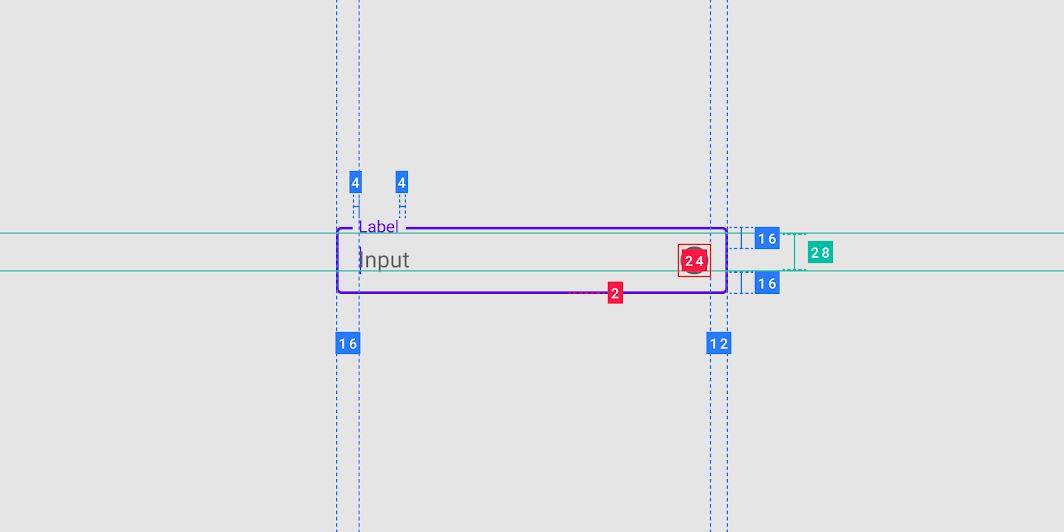
I'm trying to put OutlinedTextField into the Column after Box element like this
@Composable
fun Header() {
    Column {
        Box(
            modifier = Modifier
                .border(1.dp, Color.Cyan)
        ) {
            Text("Header")
        }

        OutlinedTextField(
            modifier = Modifier
                .fillMaxWidth()
                .border(1.dp, Color.Cyan),
            value = "",
            onValueChange = {},
            placeholder = {
                Text("Enter header")
            }
        )
    }
}
Borders added to see exact size of elements. It looks like this
 with extra 8dp padding above, but when I use TextField instead of OutlinedTextField there are no extra space
@Composable
fun Header() {
    Column {
        Box(
            modifier = Modifier
                .border(1.dp, Color.Cyan)
        ) {
            Text("Header")
        }

        TextField(
            modifier = Modifier
                .fillMaxWidth()
                .border(1.dp, Color.Cyan),
            value = "",
            onValueChange = {},
            placeholder = {
                Text("Enter header")
            }
        )
    }
}
 I need to know why it is happening and how to solve it
Version of library is "androidx.compose.material:material:1.0.0-alpha10"