
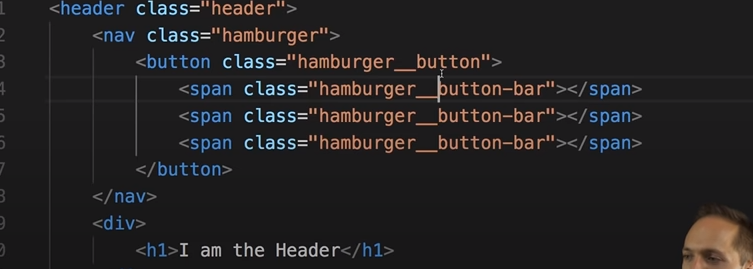
I want VSCode line highlight to look like this
Currently, it looks like this
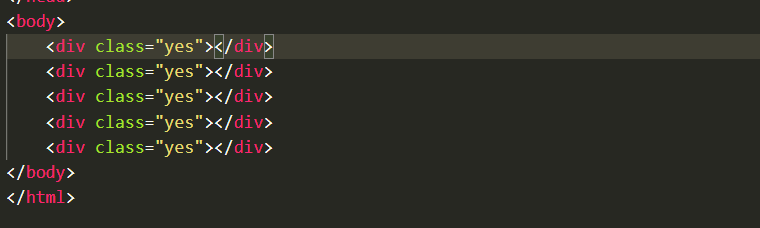
Basically I dont want VSCode to highlight the entire line.
I want VSCode line highlight to look like this
Currently, it looks like this
Basically I dont want VSCode to highlight the entire line.
Look at the options for this setting:
Editor: Render Line Highlight
options are none, gutter, line and all
You cannot just highlight the text part of the line. If that is what you want, look at the gutter option perhaps. If you just want to reduce the obviousness of the highlight, use @rioV8's answer - the last two digits in the hex are opacity.
add this to your settings.json (global or project)
  "workbench.colorCustomizations": {
    "editor.lineHighlightBackground": "#00000000"
  },
Set the line highlight to a transparent color