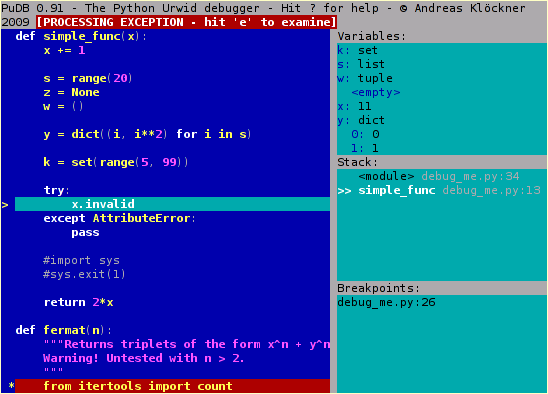
I've been using pudb to debug python code, it's pretty straight forward and into the terminal. But I don't like the colors it has at all.
It is something like the image below.
I found in the folder inside
.local/lib/python3.8/site-packages/pudb
a file name themes.py but even if a try to change it there nothing happens