
How can I make Intellisense show up the function parameters once the parentheses are written down? It shows only if I just type them like in the tutorial example, but not once they are already written and I set the cursor with the mouse inside.
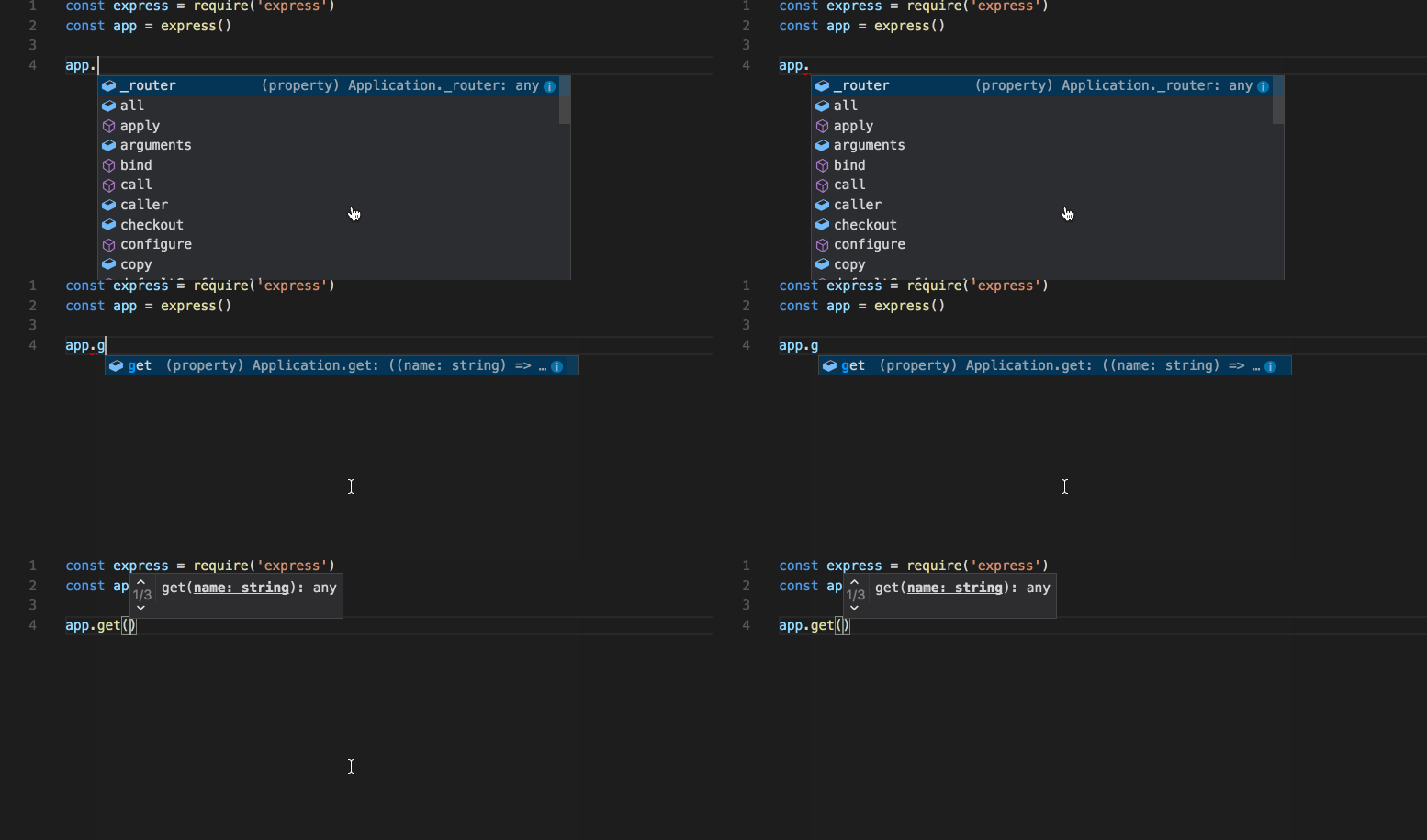
How to make IntelliSense show the parameters of a function in VSCode?
Viewed 1517
1 Answers
I think you want the Trigger Parameter Hints command. If you type it in the command palette it will show your current short-cut (mine is Ctrl+Shift+Space).
Related