
I want to insert an image from a URL source in a Markdown code block in Jupyter Notebooks.
So far this is what I have:
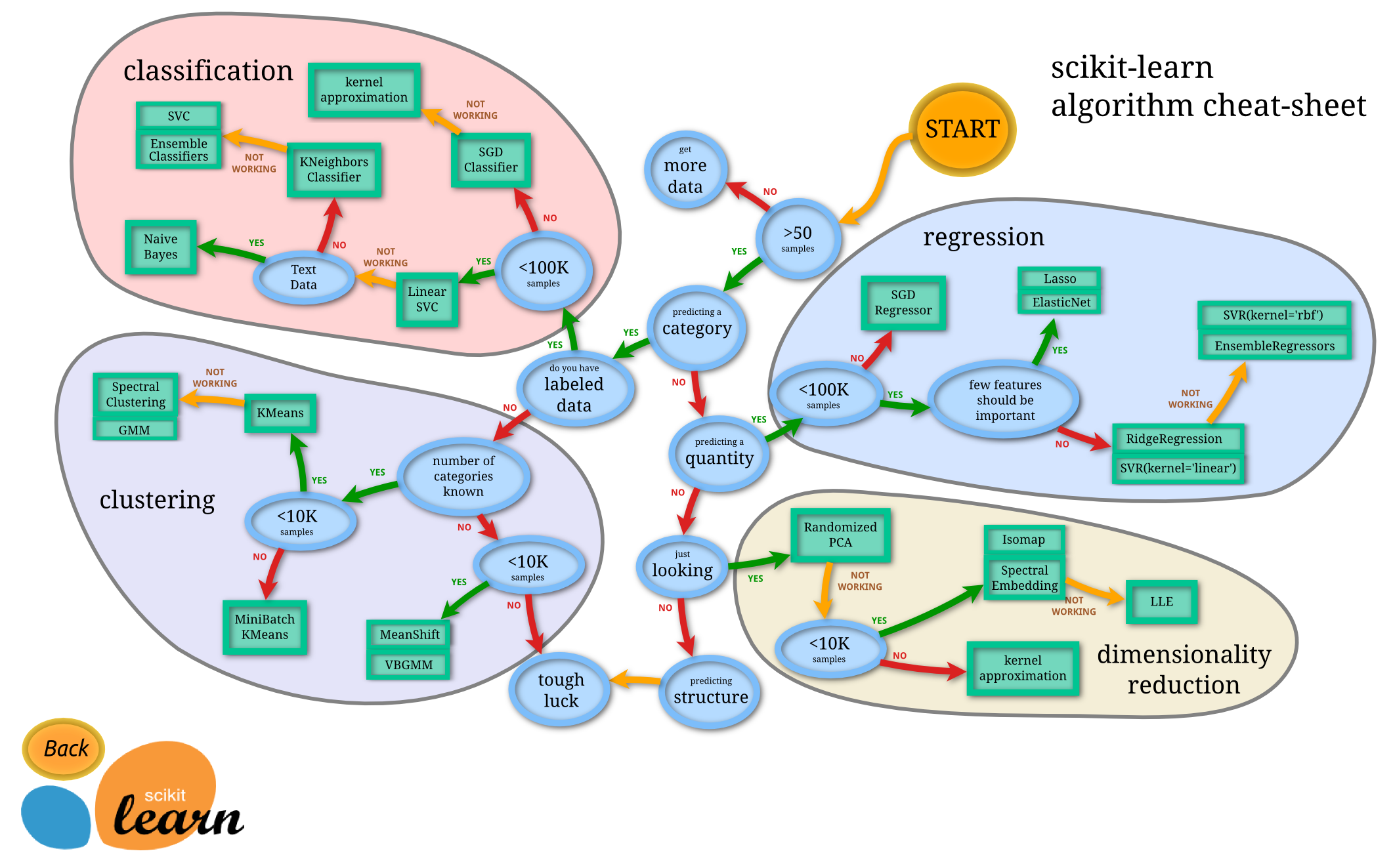
However, it doesn't include and image when I run the cell.
I want to insert an image from a URL source in a Markdown code block in Jupyter Notebooks.
So far this is what I have:

However, it doesn't include and image when I run the cell.
Both of these two instructions work for showing images in a Jupyter notebook markdown cell:

or with HTML
<img src="https://scikit-learn.org/stable/_static/ml_mmap.png" alt="image info" />
The image is shown when the markdown cell is executed (run).
I entered the code slightly differently from your code. I got the image to display when the markdown cell was run.
Below is the code used for displaying the .jpg in the Markdown cell. A photo of the output also follows below.

what you can do is that you can download the image using the requests library
import requests
data = requests.get('https://scikit-learn.org/stable/_static/ml_map.png').content
with open('image.png', 'wb') as file:
     file.write(data)