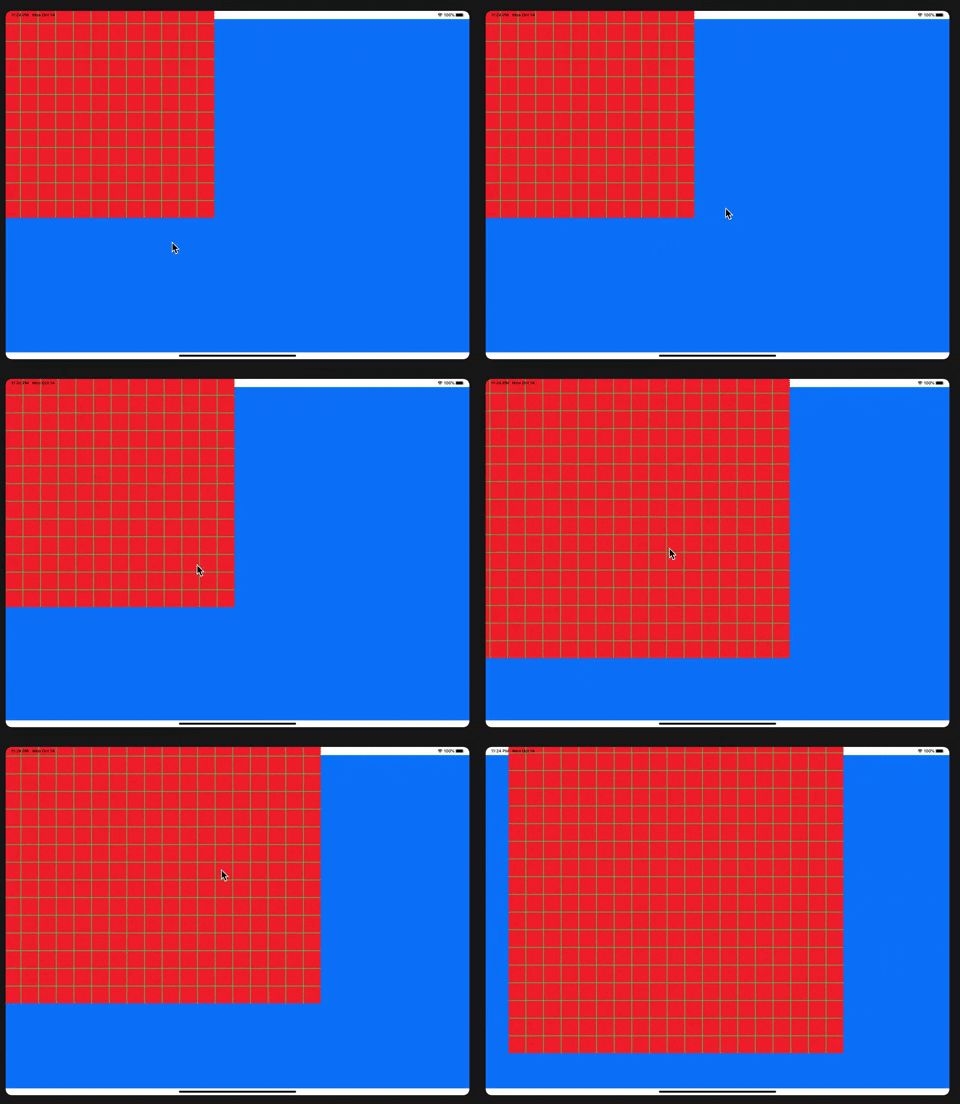
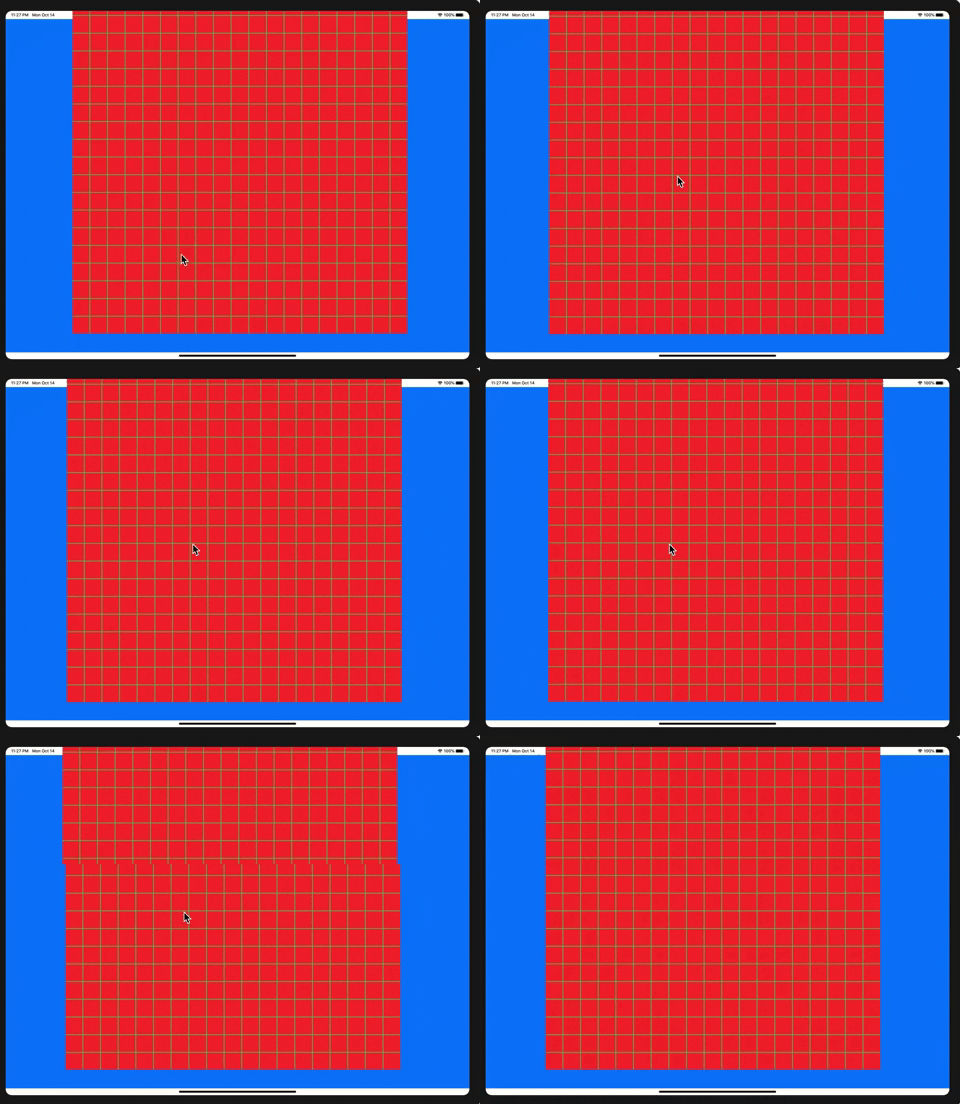
edit: it looks even worse on physical device, and simulator vs gif
I have a grid of rectangles. These are nested in HStacks and VStacks. This grid is put into a ZStack. I attatch the gesture to the nested Grid and see what happens when I drag with my implementation
import SwiftUI
import UIKit

struct ContentView: View {

    @State var numCell: CGFloat = 20
    @State var cellSize: CGFloat = 50

    var body: some View {
        return ZStack() {
            Grid(numCell: $numCell, cellSize: $cellSize)
        }.position(x: 0, y: 0).frame(minWidth: 0, maxWidth: .infinity, minHeight: 0, maxHeight: .infinity).background(Color.blue)
    }
}

struct Grid: View {

    @Binding var numCell: CGFloat
    @Binding var cellSize: CGFloat
    @State var gridDraggedX: CGFloat = 0
    @State var gridDraggedY: CGFloat = 0
    @State var accumulatedGridDraggedX: CGFloat = 0
    @State var accumulatedGridDraggedY: CGFloat = 0

    var body: some View {
        let drag = DragGesture().onChanged({ value in
            self.gridDraggedX = value.translation.width + self.accumulatedGridDraggedX
            self.gridDraggedY = value.translation.height + self.accumulatedGridDraggedY
        }).onEnded({ value in
            self.gridDraggedX = value.translation.width + self.accumulatedGridDraggedX
            self.gridDraggedY = value.translation.height + self.accumulatedGridDraggedY
            self.accumulatedGridDraggedX = self.gridDraggedX
            self.accumulatedGridDraggedY = self.gridDraggedY
        })

        return HStack(spacing: 2) {
            ForEach(0..<Int(numCell) - 1) { _ in
                VStack(spacing: 2) {
                    ForEach(0..<Int(self.numCell) - 1) { _ in
                        Rectangle()
                            .fill(Color.red)
                            .frame(width: self.cellSize,
                                   height: self.cellSize)
                    }
                }
            }
        }.gesture(drag).background(Color.green).offset(x: gridDraggedX, y: gridDraggedY)
    }
}