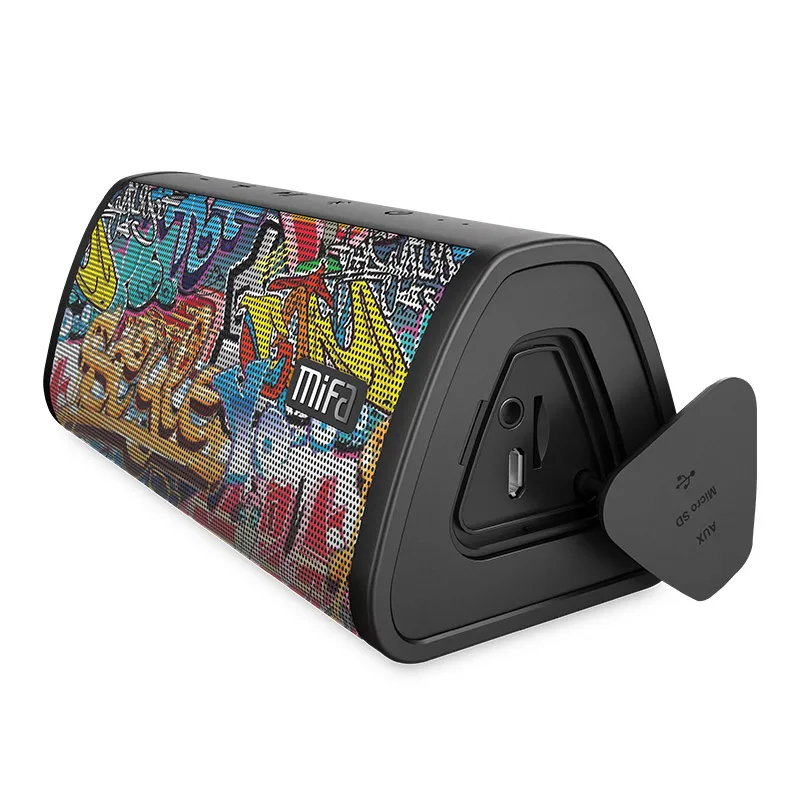
I have this code - to preview an image from a url - and it works great, except it only runs when a user clicks outside the input box.
How do I change it so it will run straight away when a value is put in the input box. I need the image to show up straight away.
I think I need to change onblur to onchange but I tried to change it and it didn't work.
 <input name="input_19" id="input_2_19" type="text" value="" class="medium" placeholder="http://" aria-invalid="false">
    <script>


     jQuery('#input_2_19').blur(function() {
        var src = jQuery(this).val();

    var previews =  jQuery(".previewImage");
    var drawPreview = true;

    var PreviousSource =  jQuery(this).data('previousSource');

    if(!src.match("^https?://(?:[a-z\-]+\.)+[a-z]{2,6}(?:/[^/#?]+)+\.(?:jpg|gif|png|jpeg)$") && src != "")
    {
          jQuery("#warning").html("Must be an image");
          return false;
    } else {
         jQuery("#warning").html("");
    }

     jQuery.each(previews , function(index, value) {
        if (src == "" && PreviousSource == $(value).attr('src'))
        {
              jQuery(value).remove();
             drawPreview = false;
             return false;
        }
        if( jQuery(value).attr('src') == src)
        {
            drawPreview = false;
            return false;
        }
    });

    if(drawPreview) {
         jQuery('#prev').append('<img class="previewImage" style="max-width:500px;" src="' + src + '">');
    }
    var previousSource =  jQuery(this).data('previousSource', src);
    });
    </script>

    <div id="warning"></div>
    <div id="prev"></div>
Follow-up Question When I add a URL the image shows. But if I change the URL then another image shows too and I have two images. How do I make it to only show one image.
Also why is this URL displaying an error: https://ae01.alicdn.com/kf/HTB1q0ucSYrpK1RjSZTEq6AWAVXap/Mifa-Portable-Bluetooth-speaker-Portable-Wireless-Loudspeaker-Sound-System-10W-stereo-Music-surround-Waterproof-Outdoor-Speaker.jpg