Chrome Dev Tools. I am trying exclude extension js files from step by step debugging. But "Blackbox content script" in settings doesn't work

Viewed 586

When using the Sources panel of Chrome DevTools to step through code, sometimes you pause on code from Chrome Extensions.

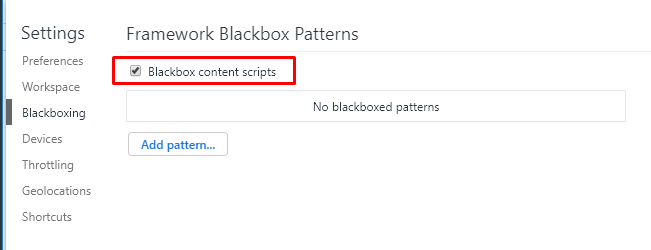
There is a solution from documentation: Blackbox Chrome Extension Scripts

But even if I enable this parameter: image
The code debugger still is pausing in content sctipts (chome extenstion js files) image
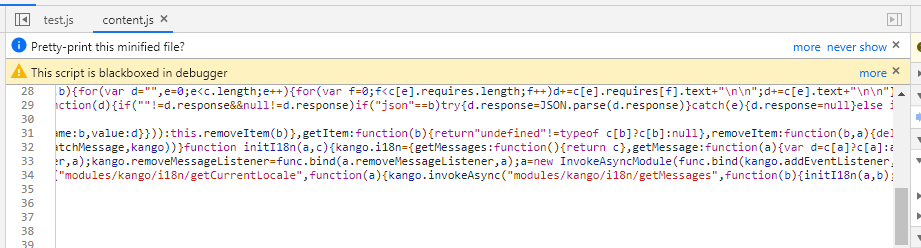
How can I fix it?

1 Answers

You should provide a pattern.

You can do it simply clicking the right button on the code of the script you want to black and selecting "Black box script".

enter image description here

Let me know if it works.

Related