I have a dataframe as follows
df = pd.DataFrame({"A": ["a", "b", "c"], "B": ["d", "e", "f"], "C": ["yes", "no", "yes"]})
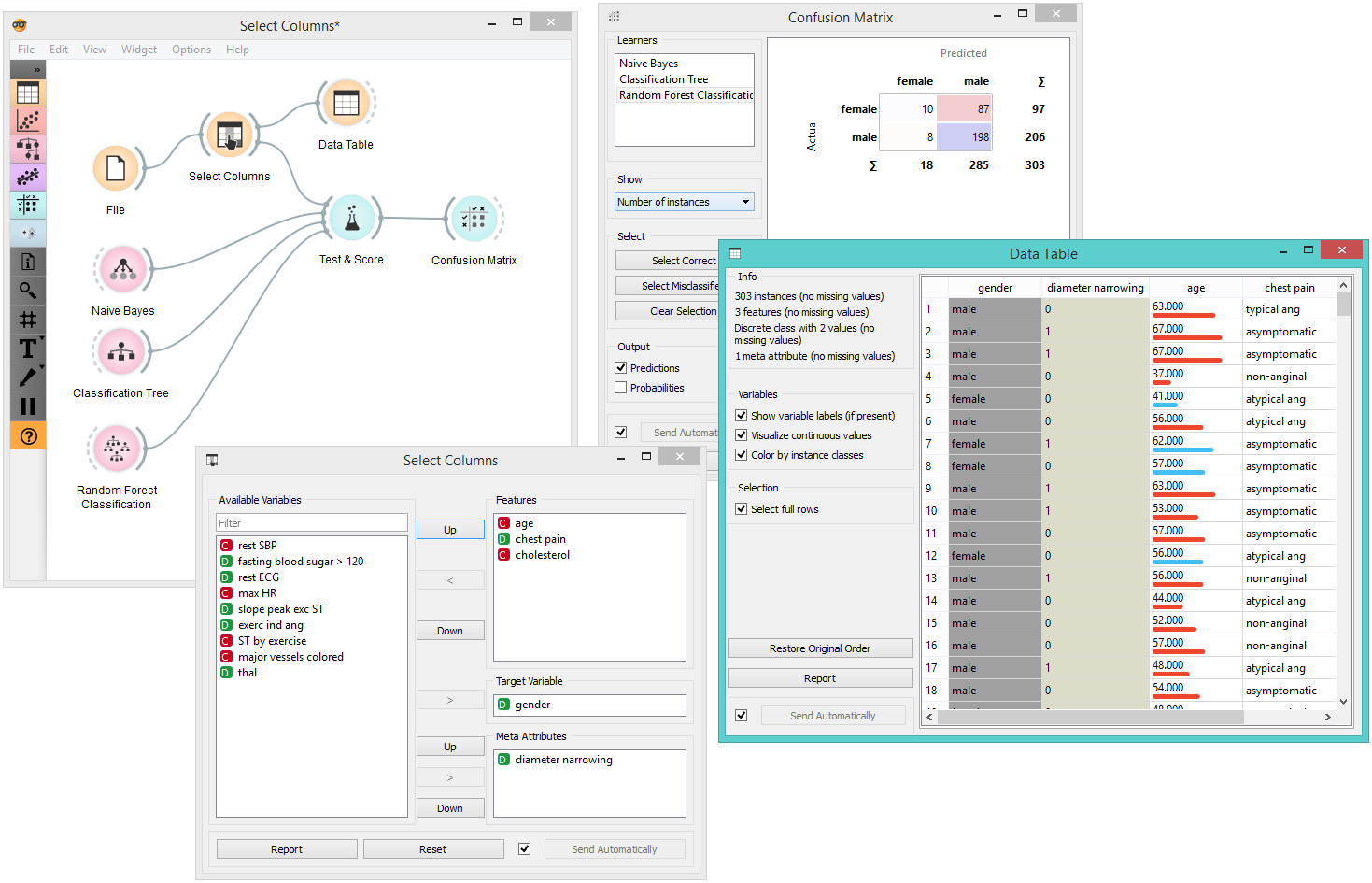
I would like to convert df to orange table and set A and B as categorical attributes and then set C as the class variable (target variable). Currently, I can convert to a pandas dataframe using
from Orange.data.pandas_compat import table_from_frame
orange_table = table_from_frame(df)
It converts df successfully to an orange table but I could not set the role for each column. May I have your suggestions?