Feed NSIS installer prompts from Chocolatey

Viewed 260

I wanted to use Chocolatey to install GeoServer; since there's no package for it in the community feed, I chose to create my own package based on their official (NSIS) Windows installer.

I'm currently using the Install-ChocolateyPackage commandlet's -SilentArgs parameter to hide the installer window:

Install-ChocolateyPackage `
   -PackageName $Env:ChocolateyPackageName `
   -Url "http://sourceforge.net/.../geoserver-2.14.0.exe" `
   -FileType "exe" `
   -SilentArgs "/S /D..."

However, the installer has several interesting prompts that e.g. give you the possibility to customize the web server's port number...
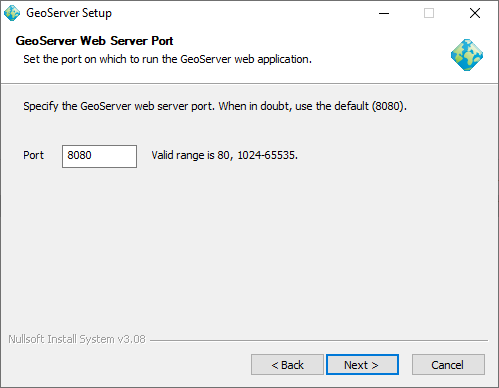
Image: GeoServer's NSIS installer, prompting for a custom port.

Is there a way to feed the fields of the installer from the command line, i.e. like /D for the installation path?

1 Answers

NSIS itself only has built-in automatic support for /NCRC, /S and /D=c:\foo\bar, anything beyond that has to be specifically coded by the install author.

/S sets the installer mode to silent and skips all pages, it will only execute the Sections. IfSilent can be used to detect silent mode in your code.

Custom options support can be added to a installer by parsing the command line with the GetOptions macro from FileFunc.nsh and/or by using a answer file.

A answer file is usually just a .ini file with values the installer can read to change default values: ReadIniStr $FooValue "$EXEDIR\mysetupanswer.ini" "Options" "Foo".

Related