
So I would like to place a triangle over an image using CSS, precisely a triangle that contains some text. Something like this:
https://sketch.io/render/sk-11fa7e2aeba09cb08372f831f84d9af2.jpeg

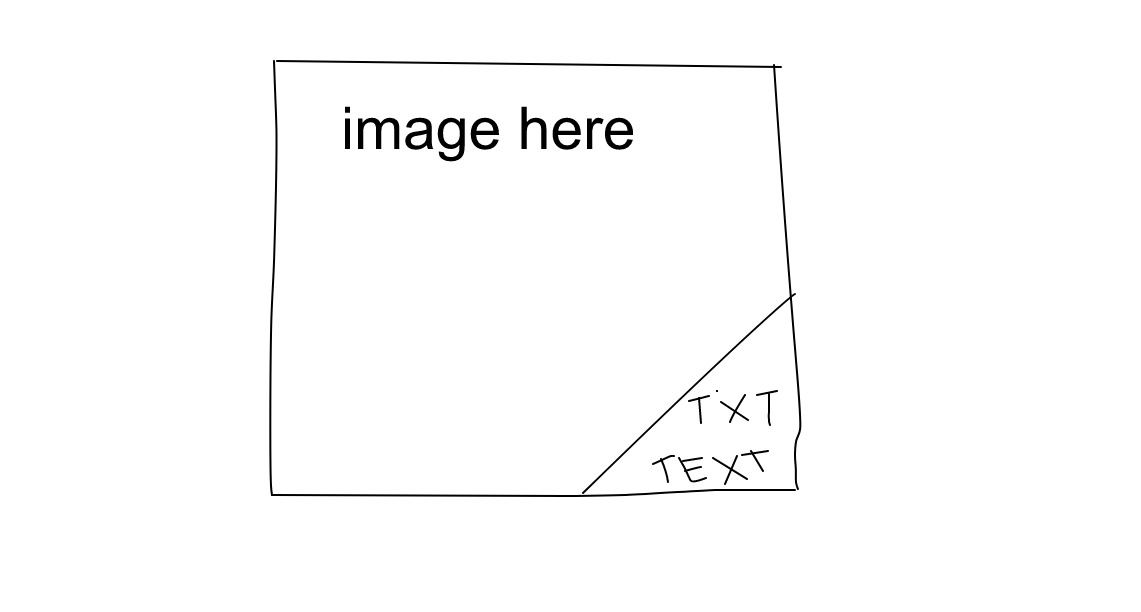
I'm a bit stuck, so here's what I got for now:
.image {
    background: url('../image.jpg');
    background-repeat: no-repeat;
    background-size: cover;
    position: relative;
    overflow: hidden;

    & .text {
        position: absolute;
        background-color: #FFF;
        bottom: 0;
        right: 0;
        padding: 10px 20px;
    }
}

<div class="image">
    <span class="text">
        <p>Text here</p>
        <p>And here</p>
    </span>
</div>
How can I rotate/angle/narrow the left side of the box..?
Thanks a lot for any help!