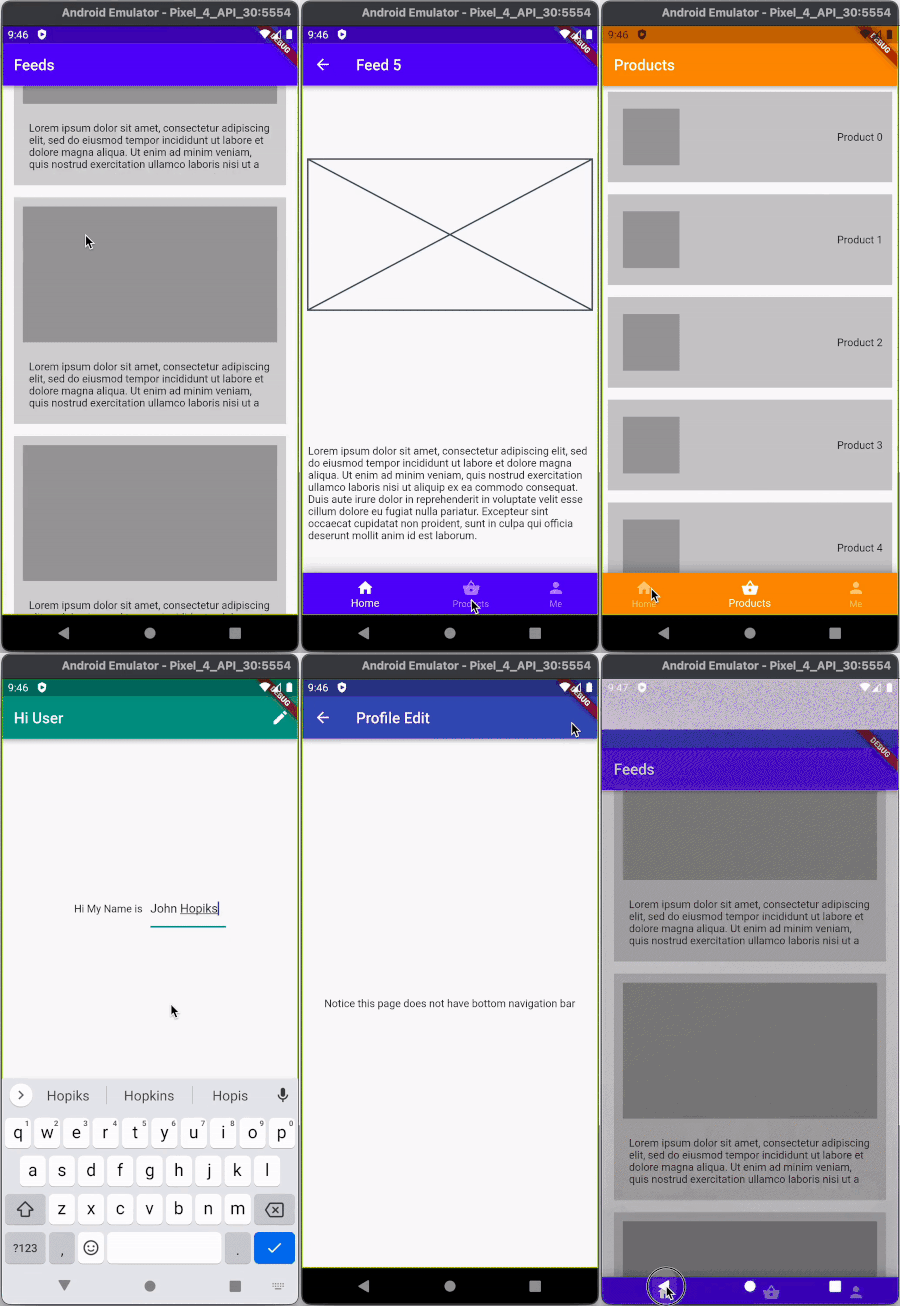
This is the code I am using in my project. If you try to avoid page viewer so you can try this
import 'package:flutter/material.dart';

class Dashboard extends StatefulWidget {
  const Dashboard({Key? key}) : super(key: key);

  @override
  State<Dashboard> createState() => _DashboardState();
}

class _DashboardState extends State<Dashboard> {
  int _selectedIndex = 0;

  void _onItemTapped(int index) {
    setState(() {
      _selectedIndex = index;
    });
  }

  @override
  Widget build(BuildContext context) {
    return Scaffold(
      appBar: AppBar(
        title: const Text('Sample'),
      ),
      body: SingleChildScrollView(
       child: Column(
        children: [
          if (_selectedIndex == 0)
            // you can call custom widget here
            Column(
              children: const [
                Text("0"),
              ],
            )
          else if (_selectedIndex == 1)
             Column(
                children: const [
                  Text("1"),
                ],
            )
          else
               Column(
                children: const [
                  Text("2"),
                ],
            ),
        ],
      ),
     ),

      bottomNavigationBar: BottomNavigationBar(
        items: const <BottomNavigationBarItem>[
          BottomNavigationBarItem(
            icon: Icon(Icons.headphones),
            label: 'Home',
          ),
          BottomNavigationBarItem(
            icon: Icon(Icons.business),
            label: 'Business',
          ),
          BottomNavigationBarItem(
            icon: Icon(Icons.school),
            label: 'School',
          ),
        ],
        currentIndex: _selectedIndex,
        selectedItemColor: Colors.amber[800],
        unselectedItemColor: Colors.grey,
        onTap: _onItemTapped,
      ),
    );
  }
}
Happy Coding