
I have list of shops which contains latitude and longitude and i have particuler user latitude and longitude.
when user clicks map button two marker is showing in map which is identify user and shop location
how can i change that two marker icons instead of default marker A and B how can i use my own custom icons for marker 1.http://www.clker.com/cliparts/U/M/C/p/x/C/google-maps-pin-green.svg
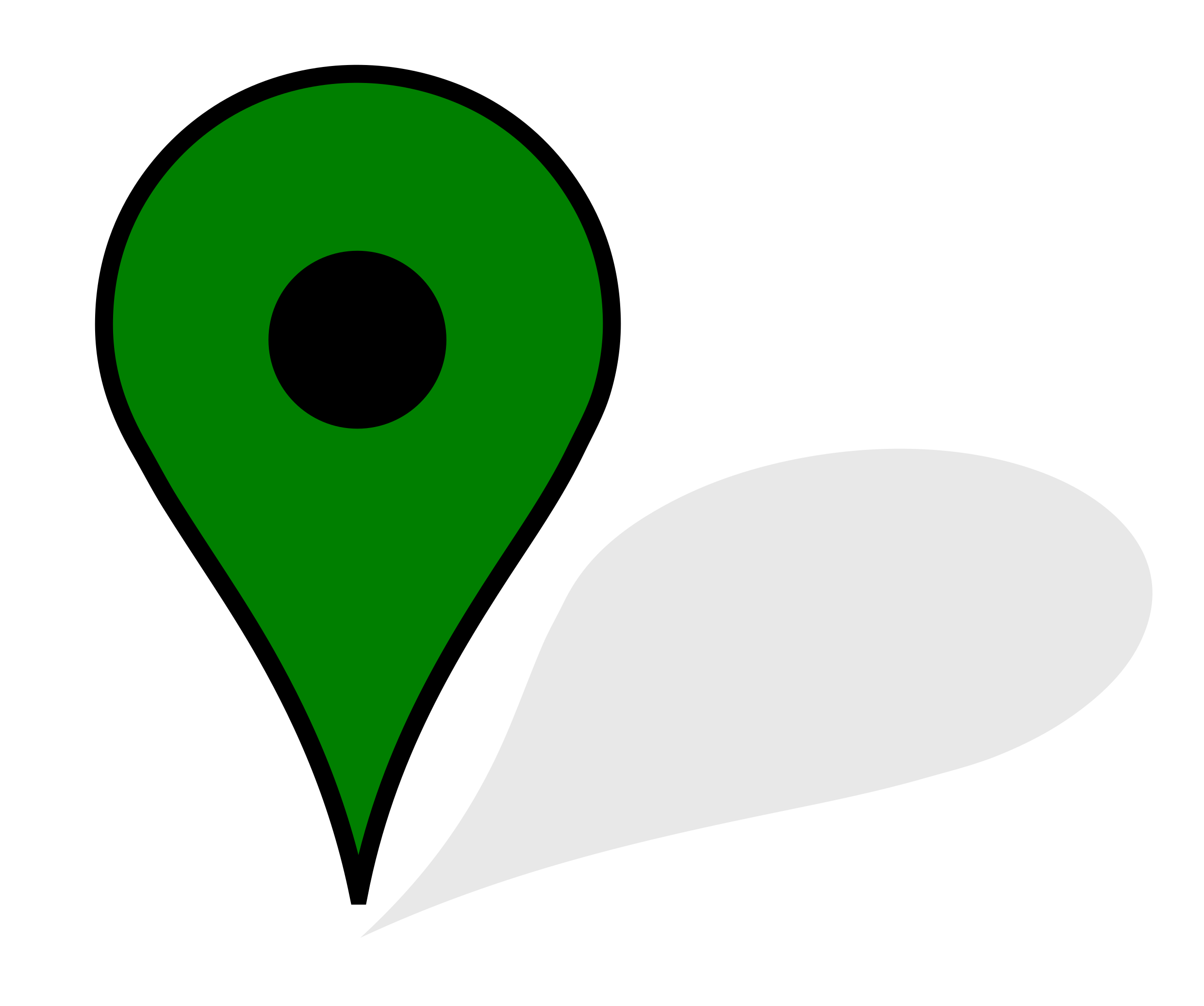
2.http://www.clker.com/cliparts/q/I/Q/u/Z/1/marker-hi.png

angular.module('myApp', ['ngMap'])
    .controller("myCntrl", function ($scope) {
      var _lat1 =12.904778 ;
     var _lon1 =77.585680;
     $scope.lat = _lat1;
     $scope.lon = _lon1;
      $scope.positions = [{pos:[$scope.lat, $scope.lon],name:"User"}];
      $scope.center = [$scope.lat, $scope.lon];


      $scope.viewMap = false;
      $scope.updateMap = function(dealer) {
        $scope.lat1 = dealer.S_Latitude;
       $scope.lon1 = dealer.S_Longitude;
       icon : 'http://www.clker.com/cliparts/q/I/Q/u/Z/1/marker-hi.png',
        $scope.positions = [{pos:[$scope.lat, $scope.lon],name:"User"}, {pos:[dealer.S_Latitude, dealer.S_Longitude],name:"Store"}];
        $scope.viewMap = true;
        $scope.path = [[$scope.lat, $scope.lon], [dealer.S_Latitude, dealer.S_Longitude]];
      }

    $scope.dealers = [{

        S_Email_id: "aditiya@gmail.com",
        S_Store: "samsung",
        Store_Name: "Adtiya Samsung Store",
        S_Services: "Regular Service,Software Faults,Hardware Faults",
        Store_long_description: "Undertake all kind of samsung mobiles",
        Store_short_description: "Undertake all kind of samsung mobiles",
  S_Latitude: "12.93489905",
  S_Longitude: "77.57070772",
  S_clocation: ""
    }, {

        S_Email_id: "rajs@gmail.com",
        S_Store: "nokia",
        Store_Name: "sri shakthi mobile service",
        S_Services: "Settings Faults,Regular Service,Hardware Faults",
        Store_long_description: "Undertake all kind of nokia mobiles",
        Store_short_description: "Undertake all kind of nokia mobiles",
  S_Latitude: "12.9599264",
  S_Longitude: "77.5924983",
  S_clocation: ""
    }, {

        S_Email_id: "sprtive23@gmail.com",
        S_Store: "nokia,samsung",
        Store_Name: "sun mobile service center",
        S_Services: "Regular Service,overall maintenance,Mobile Shield Installation",
        Store_long_description: "Undertake all kind of nokia,samsung mobiles",
        Store_short_description: "Undertake all kind of nokia,samsung mobiles",
  S_Latitude: "12.911229",
  S_Longitude: "77.519281",
  S_clocation:""
  },
 {

        S_Email_id: "super@gmail.com",
        S_Store: "nokia,samsung",
        Store_Name: "ragu mobile service center",
        S_Services: "Regular Service,overall maintenance,Mobile Shield Installation",
        Store_long_description: "Undertake all kind of nokia,samsung mobiles",
        Store_short_description: "Undertake all kind of nokia,samsung mobiles",
  S_Latitude: "12.909999",
  S_Longitude: "77.506871",
  S_clocation: ""
  }
    ]


 }
)
<!DOCTYPE html>
<html ng-app="myApp">
<head>
<meta name="viewport" content="initial-scale=1.0, user-scalable=no" />
<script src="http://maps.google.com/maps/api/js?libraries=placeses,visualization,drawing,geometry,places"></script>
<script src="http://code.angularjs.org/1.4.7/angular.js"></script>
<script src="http://rawgit.com/allenhwkim/angularjs-google-maps/master/build/scripts/ng-map.js"></script>
<style>
.custom-marker {
font-size: 2em;
padding: 10px;
background: #fff;
-webkit-border-radius: 4px;
-moz-border-radius: 4px;
border-radius: 4px;
border: #7F7F7F solid 1px;
text-align: center;
}
.custom-marker:after {
content: '';
position: absolute;
border-style: solid;
border-width: 7px 6px 0;
border-color: #fff transparent;
display: block;
width: 0;
z-index: 1;
margin-left: -6px;
bottom: -6px;
left: 50%;
}
.custom-marker:before {
content: '';
position: absolute;
border-style: solid;
border-width: 7px 6px 0;
border-color: #7F7F7F transparent;
display: block;
width: 0;
z-index: 0;
margin-left: -6px;
bottom: -7px;
left: 50%;
}
</style>
</head>
<body>
<div ng-controller="myCntrl">
<label>Case sensitive Search on Label</label><br>
<input ng-model="query" type="text" placeholder="Search for name" />
<div>
<ng-map zoom="12" center="{{lat}}, {{lon}}">
<directions
draggable="true"
panel="directions-panel"
travel-mode="DRIVING"
origin="{{lat}}, {{lon}}"
destination="{{lat1}}, {{lon1}}">
</directions>
</ng-map>
<br><br><br>
</div>
<div>
<div ng-repeat="dealer in dealers">
{{dealer.Store_Name}}<br>
{{dealer.S_Email_id}}<br>
{{dealer.S_clocation}}
<input type="button" name="map" id="map" value="map" ng-click="updateMap(dealer);"><br><br>
</div>
</div>
<br><br><br>
</div>
</body>
</html>