
I need a plumbing command to print the commit message of one given commit - nothing more, nothing less.
8 Answers
I started to use
git show-branch --no-name <hash>
It seems to be faster than
git show -s --format=%s <hash>
Both give the same result
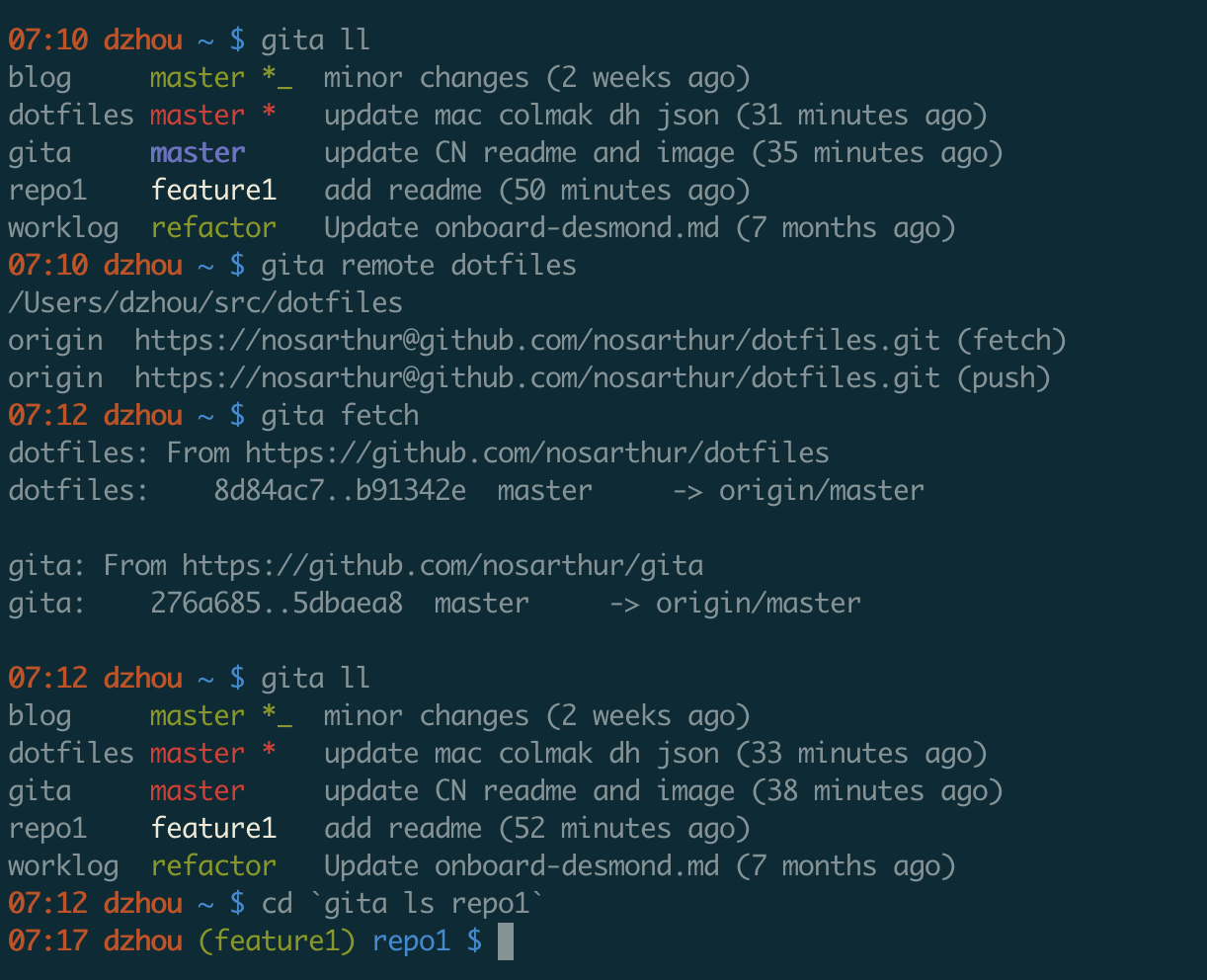
I actually wrote a small tool to see the status of all my repos. You can find it on github.
Print commit message using git-rev-list
git-rev-list is the plumbing command that let's you print the message of a commit.
Use it like this.
git rev-list --format=%B --max-count=1 <commit> | tail +2
--format=%B: show message (subject%s+%n%n+ body%b)--max-count=1: we're just interested in one commit<commit>: asha,HEAD,branch-name,tag-name,branch1...branch2etc.| tail +2: the first line is the commit sha, skip that
It's a lot faster than git log or git show.
I use shortlog for this:
$ git shortlog master..
Username (3):
      Write something
      Add something
      Bump to 1.3.8
To Get my Last Commit Message alone in git
git log --format=%B -n 1 $(git log -1 --pretty=format:"%h") | cat -
Related