
I've written my own Perlin Noise implementation and it works well. I can 'zoom' in and out by changing the frequency, but as I zoom in the noise gets smoother and smoother.
Assume I have a landscape that displays a continent. I want to zoom in down to a city-size area (or closer), but still have detail. I think I need to re-generate the landscape at the closer detail but I'm not sure if there are any implementations that can help with that?
Zoomed out, I see the continent and oceans, but I want to have large regions represented in small areas.
Here is an example of the problem I'm having (Continent level):

(source: blind-games.com)
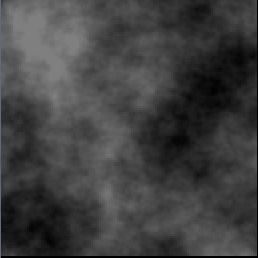
Zoomed in:

(source: blind-games.com)

How can I still get rich detail when zooming in to an area on the map? Any examples of techniques involved?