
first of all, thanks for reading my question and i hope you're doing fine.
Here's my trouble, im trying to make this table of labels a little bit smaller because i need to fit into a fixed resolution of 800x600,
This is how it looks
https://i.ibb.co/mCb2Zmh/imagen.png
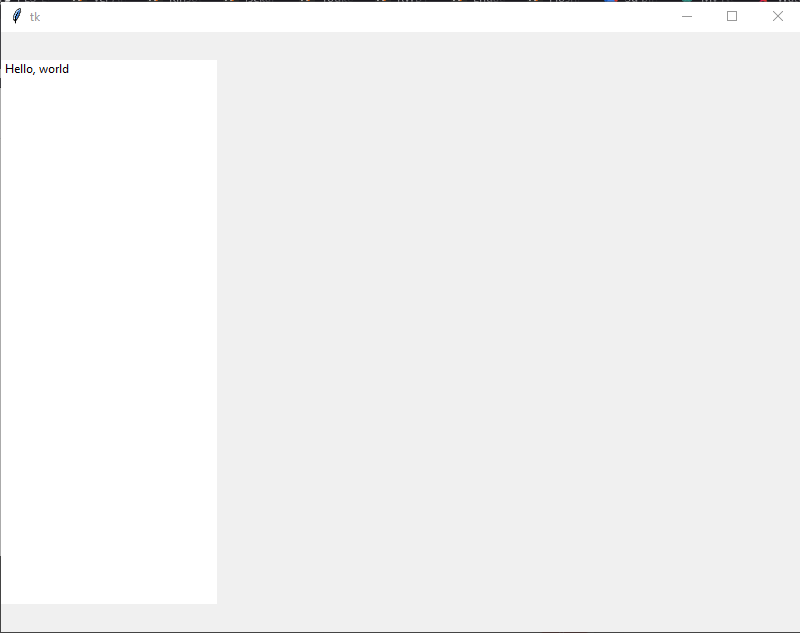
i need to be more like this
https://i.imgur.com/TWGVYrF.png

(sorry i dont have reputation enough to post images))
anyway here's my code so far
    from tkinter import Tk, Label, Frame

    class ExampleApp(Tk):
        def __init__(self):
            Tk.__init__(self)

            t = SimpleTable(self, 32,3)
            t.pack(side="left", )
            t.set(0,0,"Hello, world")

    class SimpleTable(Frame):
        def __init__(self, parent, rows=10, columns=2):
            # use black background so it "peeks through" to
            # form grid lines
            super().__init__( parent, background="black", )
            self._widgets = []
            self.selected_item = None
            for row in range(rows):
                current_row = []
                for column in range(columns):
                    label = Label(self, text="%s/%s" % (row, column),
                                     borderwidth=0, height=1, width=10, activebackground="#0078d7", background="#ffffff",relief="solid")
                    label.grid(row=row, column=column, sticky="nsew")#, padx=1, pady=1
                    current_row.append(label)
                self._widgets.append(current_row)

            for column in range(columns):
                self.grid_columnconfigure(column, weight=1)


        def set(self, row, column, value):
            widget = self._widgets[row][column]
            widget.config(text=value)


    if __name__ == "__main__":
        app = ExampleApp()
        app.geometry("800x600")
        app.mainloop()