git diff --> show changed part in the line

Viewed 713

If I execute git diff I see the whole line in red color.

Is there a way to highlight the change in the line?

I often have a diff where just a single line got changed.

Highlighting the change in the line would make git diff more convenient for me.

git-diff-whole-line-red

git version 2.32.0

This should work on the command-line (no GUI).

3 Answers

Use the --word-diff option for git diff

For example, git diff --word-diff=color:

git-diff-word-diff-color

and git diff --word-diff=plain:

git-diff-word-diff-plain

There's also --word-diff-regex=<regex>

See git help diff for more info.

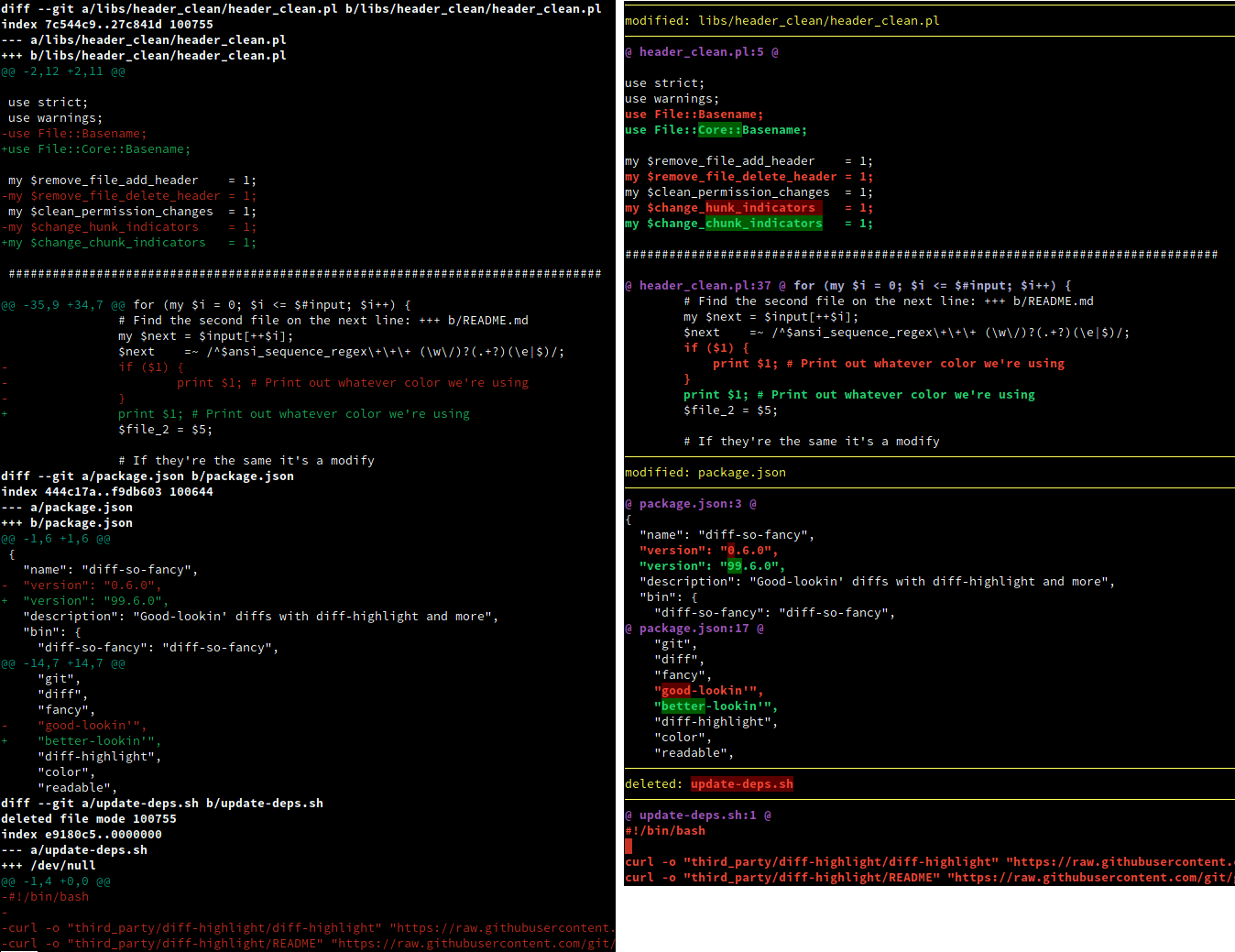
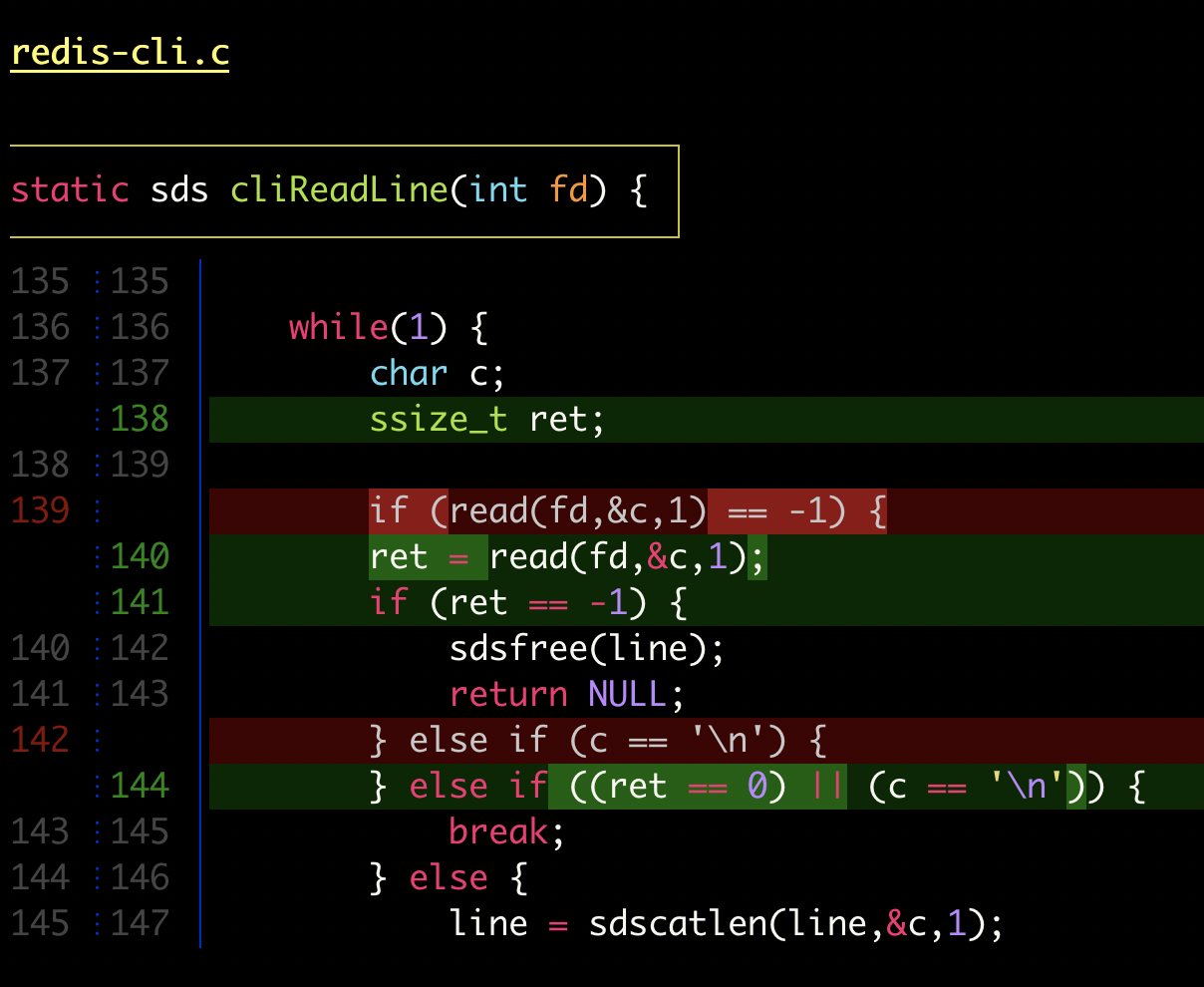
If you're willing to use an extra tool, you may like diff-so-fancy and/or delta.

  • I used diff-so-fancy for years, and it's a great tool.

  • I switched to delta due to syntax highlight and the detection of multiple changes in a single line.

Use colordiff tool colordiff so you can use with the git diff to see all minor changes with color

yum install colordiff

# enter yout git repository
git diff --word-diff=color

for example in my directory the tool output the image below

enter image description here:

Related