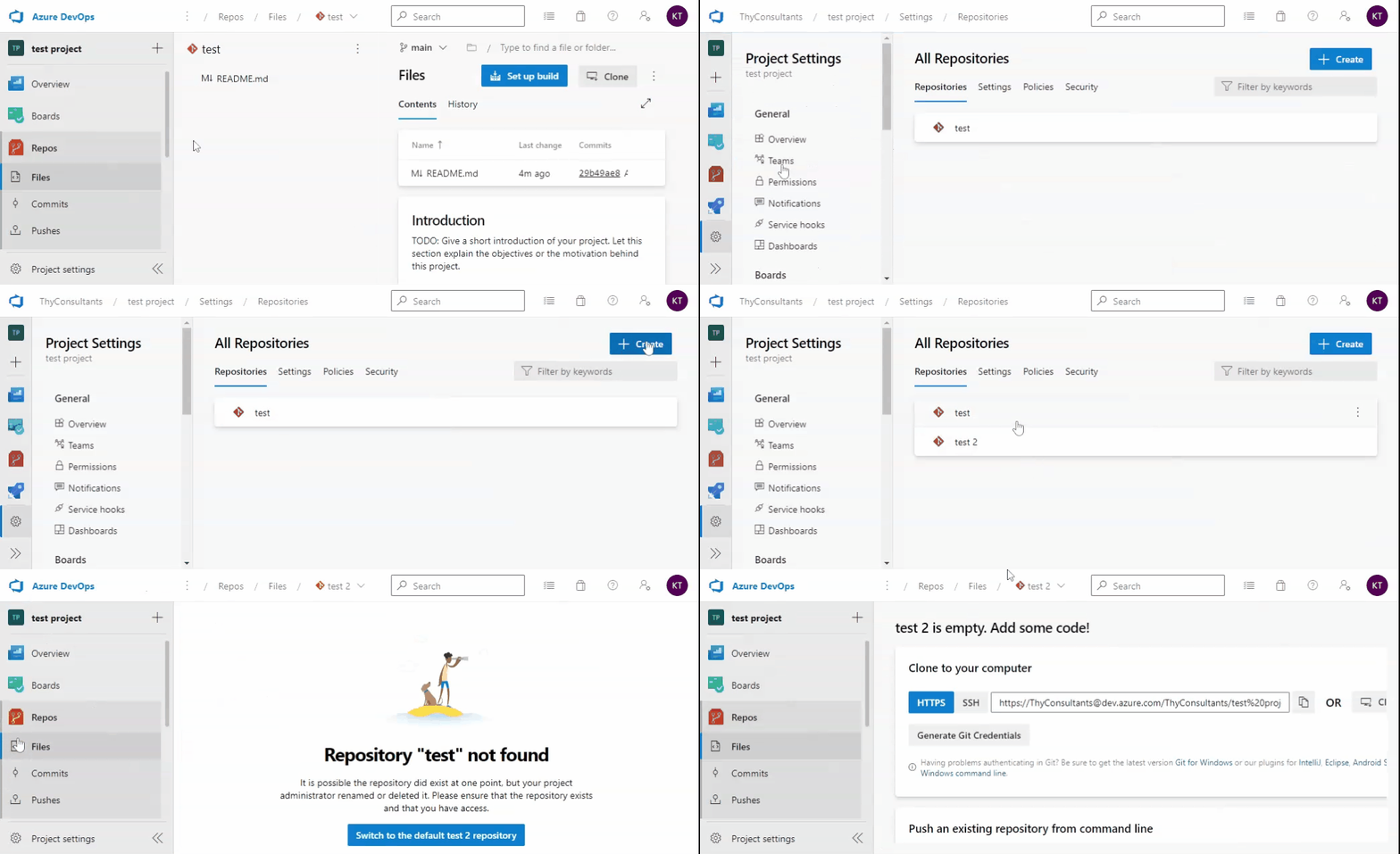
We accidentally set up a Git repo in a new DevOps project, and now we can't delete it, because MS doesn't allow the deletion of your only git repo. This is becoming problematic because it keeps appearing on some screens and external tools, which can be confusing to users.
- We tried disabling the repo, but that just throws an error on some screens that are looking for it.
- We tried setting Read permission to Deny, but this just throws permission errors in various places.
So is there a way to completely hide the repo so that it doesn't show anywhere or actually delete it? We set up a TFVC repo and are using that instead, so we don't need the git repo.
It seems odd that MS will allow you to operate a DevOps project without a git repo, but after you create one, it will not allow you to delete it.