Both e.which and e.keyCode are deprecated. e.key or e.code should be used instead, which also makes the code easier to understand, as e.key === '+' for the + key. Just keep in mind some old browsers used non-standard codes for some keys, so, for example, left is usually 'LeftArrow' and right is 'RightArrow', but on IE it's just 'Left' and 'Right' instead.
If you need to check KeyboardEvent's properties values such as e.key, e.code, e.which or e.keyCode you can use https://keyjs.dev. I will add information about these kinds of cross-browser incompatibilities soon!
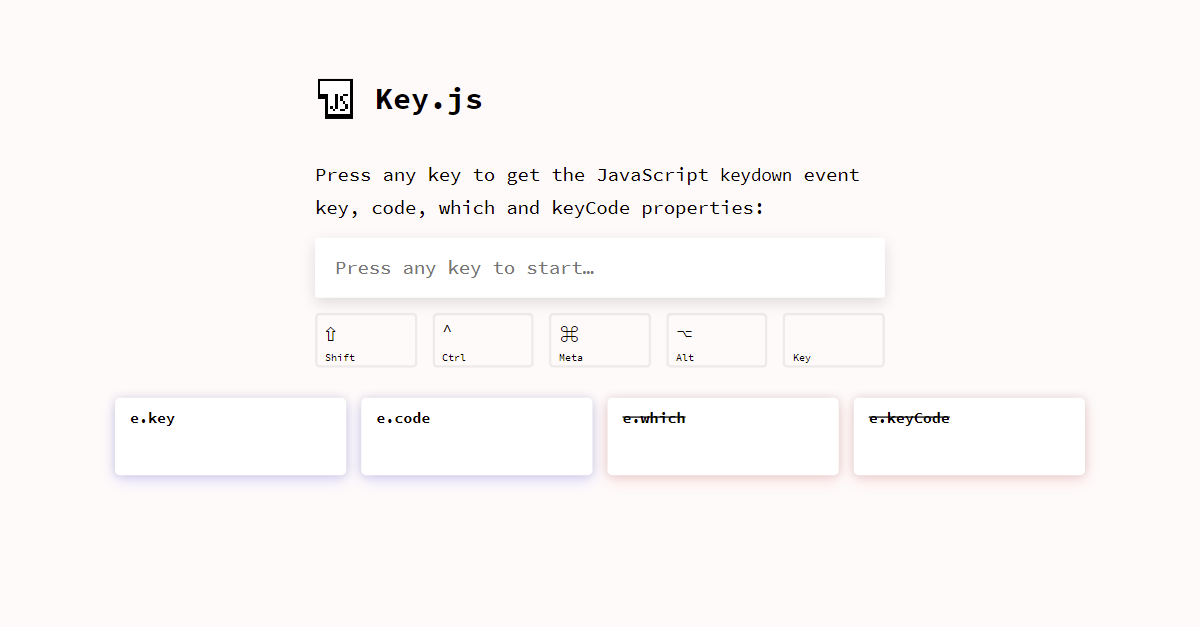
Disclaimer: I'm the author.
Anyway, you should not listen for keyboard events (keydown / keypress / keyup) to filter out certain characters, as the value of the input can also be updated by pasting or dropping text into it and there are many exceptions you should not prevent, such as arrows, delete, escape, shortcuts such as select all, copy, paste... so trying to come up with an exhaustive list of the ones that should be allowed is probably not a good idea.
Moreover, that won't work on mobile, where most keys emit the same values e.key = 'Unidentified', e.which== 229 and e.keyCode = 229.
Instead, just listen for the input event and update the input value removing all invalid characters while preserving the cursor's position:
const input = document.getElementById('input');

input.oninput = (e) => {
  const cursorPosition = input.selectionStart - 1;
  const hasInvalidCharacters = input.value.match(/[^0-9+]/);

  if (!hasInvalidCharacters) return;

  // Replace all non-digits:
  input.value = input.value.replace(/[^0-9+]/g, '');

  // Keep cursor position:
  input.setSelectionRange(cursorPosition, cursorPosition);
};
<input id="input" type="text" placeholder="Digits and + only" />
Here you can see a similar answer and example for a slightly more complex behaviour to allow only numbers with one single decimal separator: https://stackoverflow.com/a/64084513/3723993
