
My code is below. The breaker file:
from moviepy.video.io.ffmpeg_tools import ffmpeg_extract_subclip

splits = [[1, 2], [5, 6], [7, 10]]

for i, split in enumerate(splits):
  start, end = split
  ffmpeg_extract_subclip("video.m4v", start, end, targetname="clips/{0}.mp4".format(i))
This breaker code works and successfully breaks the clips into their proper lengths. When opening them, I get errors such as:
- Glitchy tearing when opening the sub-clips in VLC (example)
- Incorrect length of video in comparison to its actual length being watched
- In Vegas for example, the audio is shorter than the video for each sub-clip
- When trying to concatenate these videos into one larger video (code below), when the clips are joined the "transition" repeats the last few moments of the previous video for a few seconds before playing the new clip
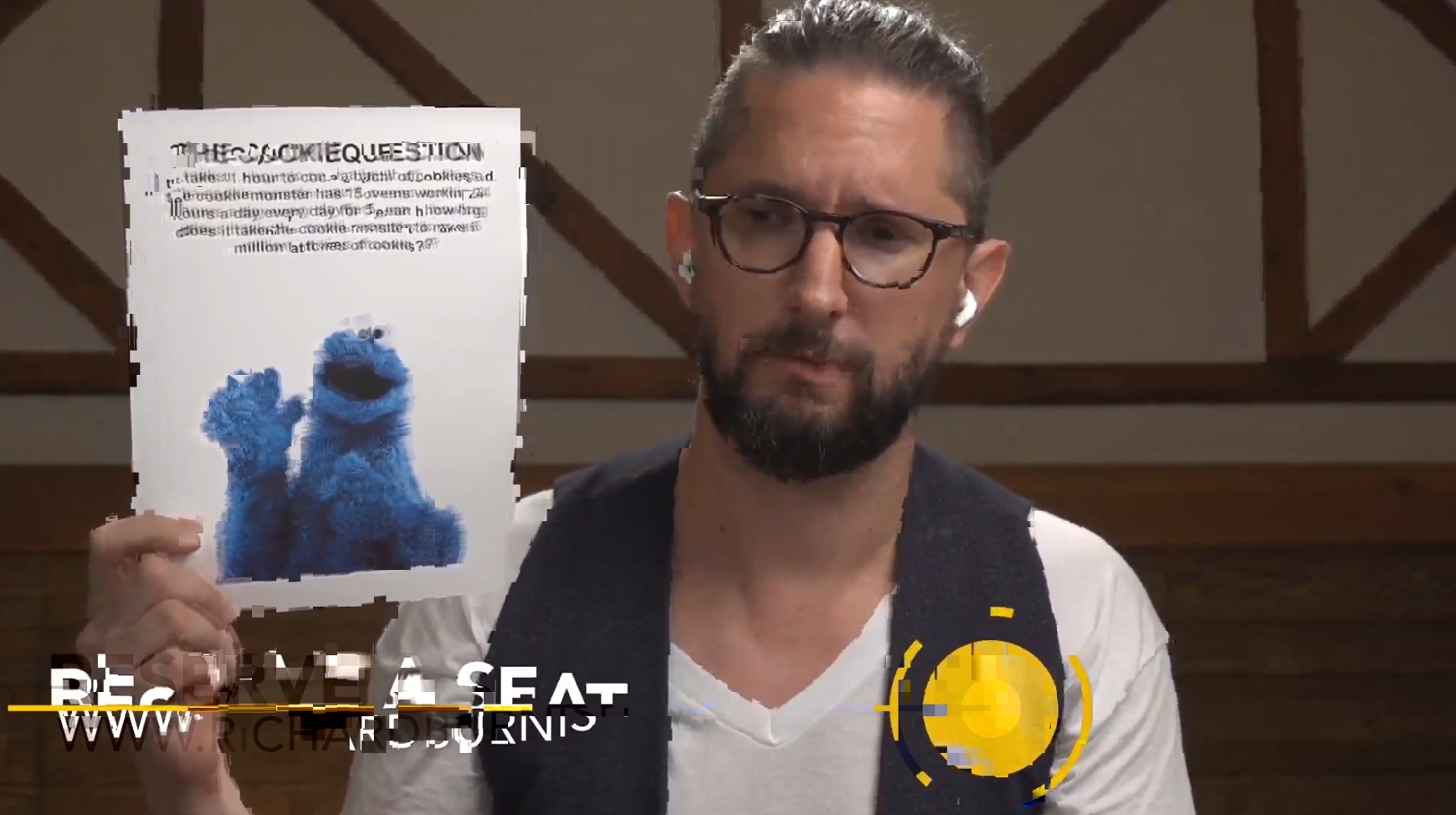
Code for the concatenation:
from moviepy.editor import *

clips = []
for i in range(1, 3):
  clips.append(VideoFileClip("{0}.mp4".format(i)))

concat = concatenate_videoclips(clips)
concat.write_videofile("output.mp4")
This works also, though upon opening I get the error written in point (4) above.
Extra information:
- I've used two original versions of the same video, one is the original video (2.42gb) and the other is a version I ran through Handbrake's encoding to make sure that wasn't the issue.
- I've encoded the output as well incase that was the issue (Handbrake again) and the issue stayed the same.
- This was not an issue yesterday when running both bits of code, and the only actions I've done since then were attempt to reinstall MoviePy (
pip uninstall moviepy->pip install moviepy==1.0.1, I'm currently on version1.0.3-- if there's something I'm missing from a default install of Python, please let me know) - The issue is not syntax-error related, I've paraphrased code to make it easier to read
Here is a screenshot of Vegas viewing these files individually (I have not cut them, this is just me pasting them directly into Vegas):

Update: I've tried downloading the exe of FFMPEG and calling it directly for my splitting (not using the Python-downloaded version // moviepy link to FFMPEG) and the issue is still persisting. I got the idea from this Stack post.
Update: I've tried many things to rule-out the original file being split as the issue, but I am beginning to believe that the issue is heavily emphasized on the concatenation file. Will try to work at finding older versions of this function.
Update: for every version I change of MoviePy, something offputting changes. In 2.0.0, the end of the sub-clip is frozen whilst no audio plays. In 1.0.0 the start of the clip glitches. In 1.0.1-2, the end of the clip glitches as it moves into the new one. Extremely confused.
Update: I just can't track down what angle to attack this issue at. For example: I try a different video and on the first run its semi-workable (throw into Vegas, move it around to get the right times, render it as a passable video) but as soon as I make a change (like trying to add a second or two to when it clips) its as if everything just desyncs and gives up. Once I return to the normal clipping before (that was workable) the clipping is not predictable at all, and is in a total desync. All I'm looking for right now is something to uninstall and reinstall, or an alternative.