Uncaught Error: WebGL unsupported in this browser

Viewed 1730

Hi I'm trying to use PixiJS to render things in my browser but I keep getting a very annoying error:

Uncaught Error: WebGL unsupported in this browser, use "pixi.js-legacy" for fallback canvas2d support.

WebGL is supported by my browser tho : https://i.gyazo.com/8e55f75c74dd738c55d646bce3cdc294.png
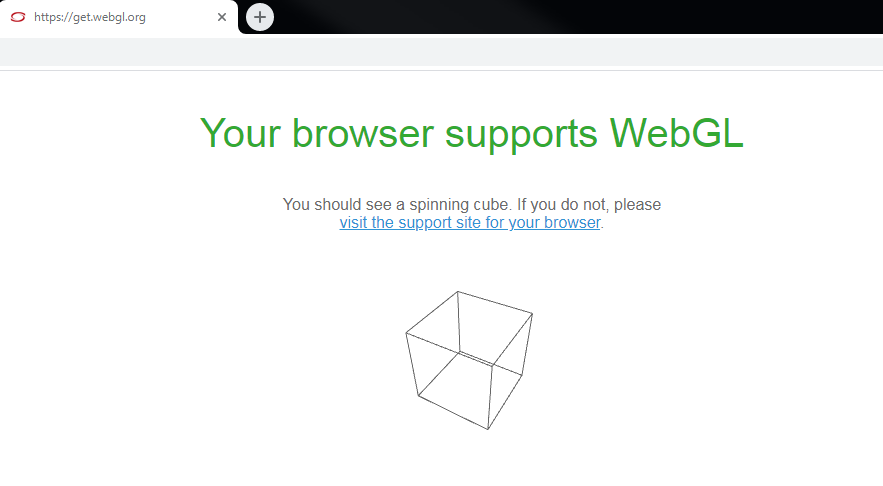
Here's my very simple js:

let app = new PIXI.Application({width: 800, height: 800});
document.body.appendChild(app);

And my html:

<!DOCTYPE html>
<html>
<head>
<link rel="stylesheet" type="text/css" href="style.css">
</head>
<script src="pixi.min.js"></script>
<script src="chess.js"></script>

<body>

</body>
</html>
1 Answers

Update

I think you need to update pixi.js setting as following ref1 ref2:

PIXI.settings.FAIL_IF_MAJOR_PERFORMANCE_CAVEAT = false;

Please note, that browsers are now supporting low performance by default. so it may limit the current page from rendering 3d that may require high performance. you could follow up on failIfMajorPerformanceCaveat which is need to be passed in the context or you could force browser settings as following:

so for

Firefox

  1. Go to about:config, search for webgl.disabled, ensure that its value is false.
  2. Go to about:config, search for webgl.force-enabled, set it to true.
  3. Go to about:config, search for layers.acceleration.force-enabled, set it to true.
  4. restart your firefox.

I am not really sure about chrome configurations.

Related