How to setup Vi Editing Mode for zsh

Viewed 45249

I want to set vi in editing mode in zsh (I am using oh-my-zsh) at start automatically when I open my shell, so at the beginning of my .zshrc I have tried the following code:

set -o vi

or

bindkey -v

but when pressing enter in the shell I cannot enter the vi mode.

If I tried one of the two commands in the shell, it works.

Basically I want zsh to start in vi edit mode.

Any ideas how to solve this problem?
3 Answers

bindkey -v is enough to enable vi mode in ZSH. If you are worried the setting will be overwritten by another plugin, put the setting at the bottom of your ~/.zshrc.

After vi mode is enabled, you enter the "insert" mode by default. To enter "normal" mode, use Esc. And i or a to switch back to "insert" mode.

BTW, softmoth/zsh-vim-mode is the most powerful vim mode plugin I've ever used in ZSH.

If you are using https://ohmyz.sh/ you can add vi-mode to the list of plugins in ~/.zshrc:

plugins=(git vi-mode)

If you don't mind to use a plugin for vi mode in zsh, here is a better choice for you to quickly reach it.

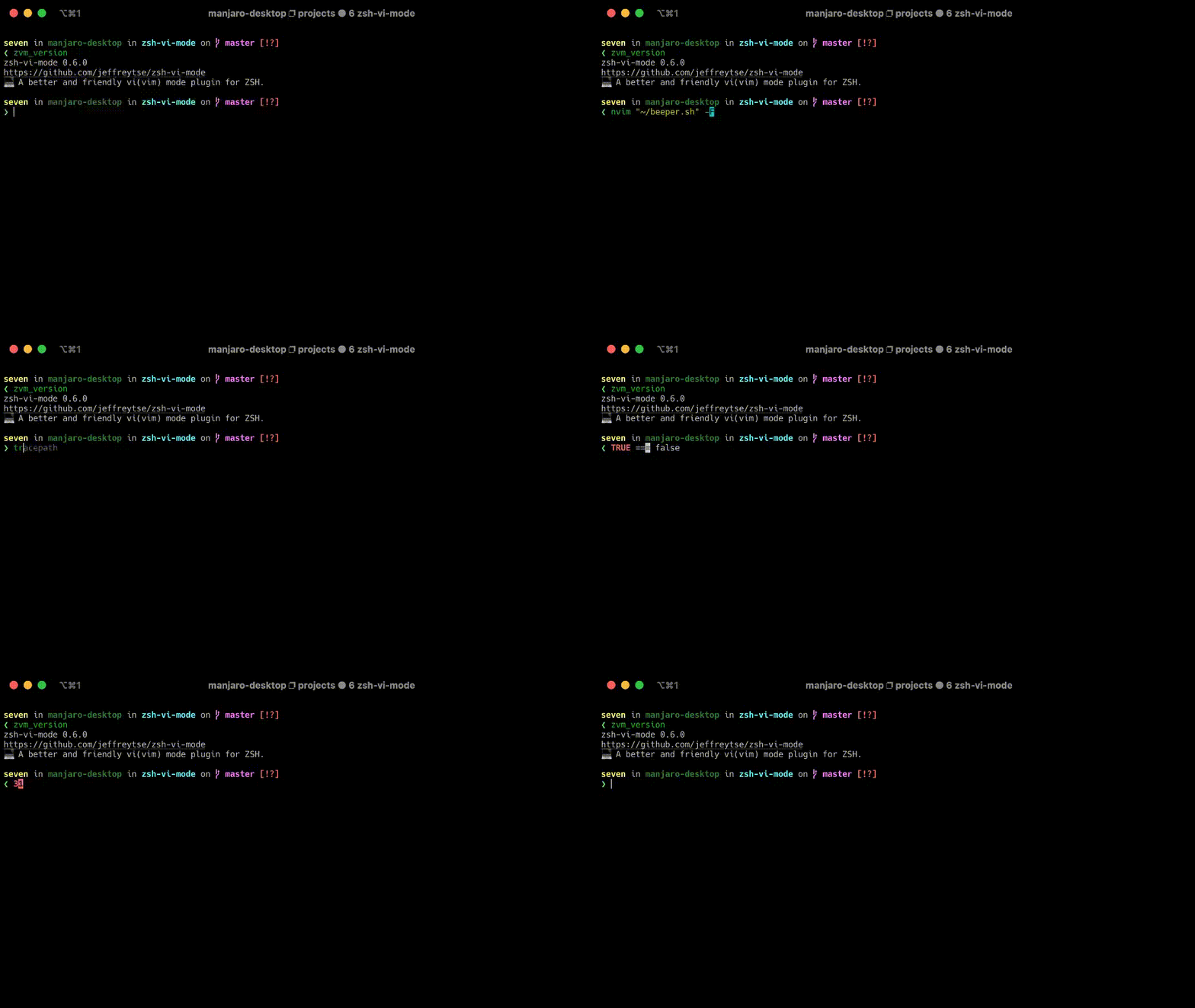
zsh-vi-mode: A better and friendly vi(vim) mode plugin for ZSH.

After adding this plugin, then you can input with vi-mode like this:

demo

Features

  • Cursor movement (Navigation).
  • Insert & Replace (Insert mode).
  • Text Objects.
  • Searching text.
  • Undo, Redo, Cut, Copy, Paste, and Delete.
  • Surrounds (Add, Replace, Delete, and Move Around).
  • Switch keywords (Increase/Decrease Number, Boolean, etc. In progress).
  • ...
Related