How do I tell if my textview has been ellipsized?

Viewed 39713

I have a multi-line TextView that has android:ellipsize="end" set. I would like to know, however, if the string I place in there is actually too long (so that I may make sure the full string is shown elsewhere on the page).

I could use TextView.length() and find about what the approximate length of string will fit, but since it's multiple lines, the TextView handles when to wrap, so this won't always work.

Any ideas?
18 Answers

This worked to me:

textView.post(new Runnable() {
                        @Override
                        public void run() {
                            if (textView.getLineCount() > 1) {
                                //do something
                            }
                        }
                    });

The most eloquent solution I have found (in Kotlin) is to create an extension function on TextView

fun TextView.isEllipsized() = layout.text.toString() != text.toString()

This is great because it doesn't require knowing what the full string is or worrying about how many lines the TextView is using.

TextView.text is the full text that it's trying to show, whereas TextView.layout.text is what's actually shown on the screen so if they are different it must be getting ellipsized

To use it:

if (my_text_view.isEllipsized()) {
    ...
}
lateinit var toggleMoreButton: Runnable
toggleMoreButton = Runnable {
  if(reviewTextView.layout == null) { // wait while layout become available
       reviewTextView.post(toggleMoreButton) 
       return@Runnable
  }
  readMoreButton.visibility = if(reviewTextView.layout.text.toString() != comment) View.VISIBLE else View.GONE
}
reviewTextView.post(toggleMoreButton)

It is some typical case:

  1. comment in 'reviewTextView'
  2. comment can collapsed by some criteria
  3. if comment collapsed you show button 'readMoreButton'

The Kotlin way:

textView.post {
   if (textView.lineCount > MAX_LINES_COLLAPSED) {
   // text is not fully displayed
   }
}

Actually View.post() is executed after the view has been rendered and will run the function provided

Simple Kotlin method. Allows android:ellipsize and android:maxLines to be used

fun isEllipsized(textView: TextView, text: String?) = textView.layout.text.toString() != text

Solution with kotlin extensions:

infoText.afterLayoutConfiguration {
    val hasEllipsize = infoText.hasEllipsize()
    ...
}

Extensions:

/**
 * Function for detect when layout completely configure.
 */
fun View.afterLayoutConfiguration(func: () -> Unit) {
    viewTreeObserver?.addOnGlobalLayoutListener(object : ViewTreeObserver.OnGlobalLayoutListener {
        override fun onGlobalLayout() {
            viewTreeObserver?.removeOnGlobalLayoutListener(this)
            func()
        }
    })
}

fun TextView.hasEllipsize(): Boolean = layout.getEllipsisCount(lineCount - 1) > 0

Really work so, for example, to pass full data to dialog from item of RecyclerView:

holder.subInfo.post(new Runnable() {
                @Override
                public void run() {
                    Layout l = holder.subInfo.getLayout();
                    if (l != null) {
                        final int count = l.getLineCount();
                        if (count >= 3) {
                            holder.subInfo.setOnClickListener(new View.OnClickListener() {
                                @Override
                                public void onClick(View view) {
                                    final int c = holder.subInfo.getLineCount();
                                    if (c >= 3) {
                                        onClickToShowInfoDialog.showDialog(holder.title.getText().toString(), holder.subInfo.getText().toString());
                                    }
                                }
                            });
                        }
                    }
                }
            });

Combining @Thorstenvv awnser with @Tiano fix, here is the Kotlin version :

val layout = textView.layout ?: return@doOnLayout
val lines = layout.lineCount
val hasLine = lines > 0
val hasEllipsis = ((lines - 1) downTo 0).any { layout.getEllipsisCount(it) > 0 }
if (hasLine && hasEllipsis) {
    // Text is ellipsized
}

In Kotlin, you can use the below code.

var str= "Kotlin is one of the best languages."
textView.text=str
textView.post {
val isEllipsize: Boolean = !textView.layout.text.toString().equals(str)

if (isEllipsize) {
     holder.itemView.tv_viewMore.visibility = View.VISIBLE
} else {
     holder.itemView.tv_viewMore.visibility = View.GONE
}    
}

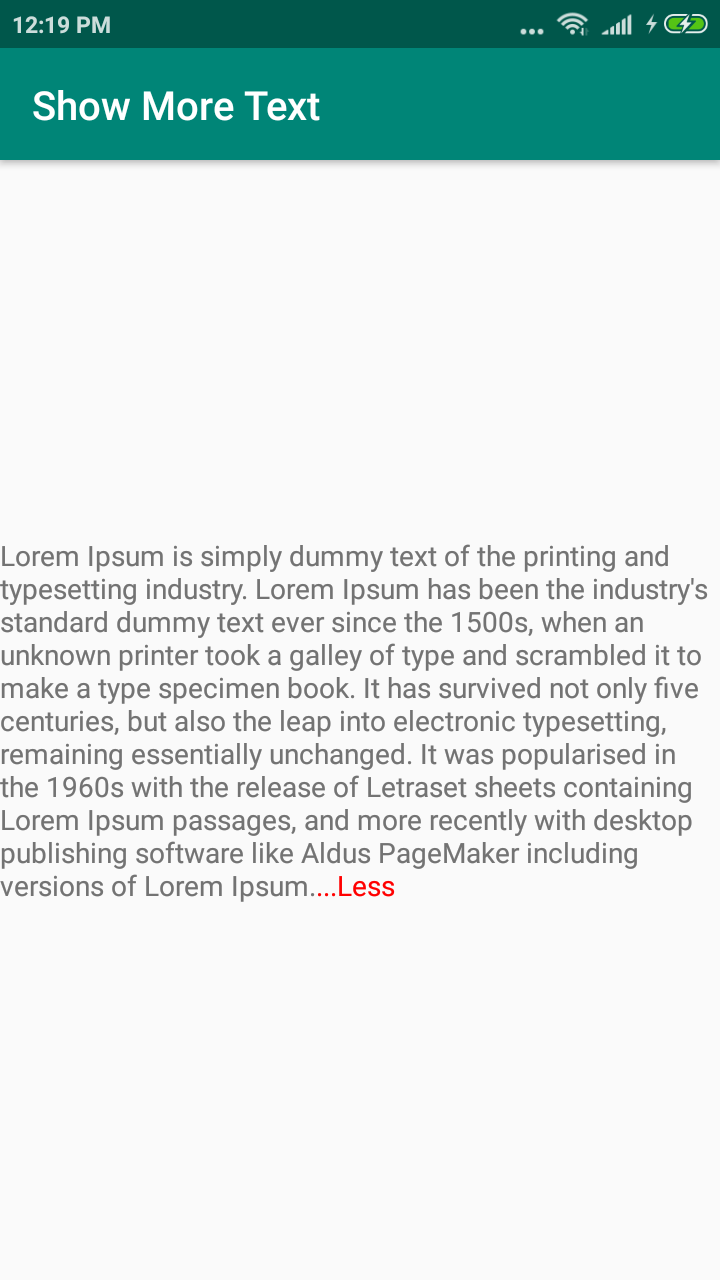
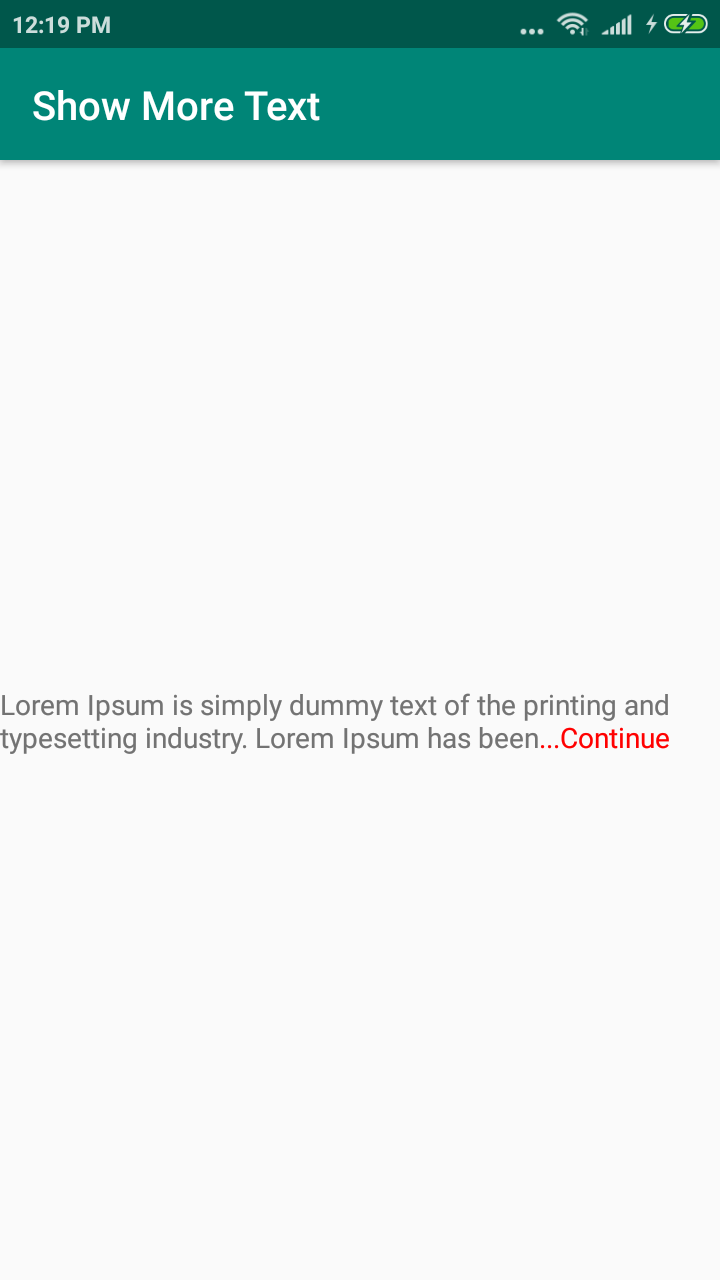
This is simple library for creating textview expandable. Like Continue or Less. This library extended version TextView. Easy to use.

implementation 'com.github.mahimrocky:ShowMoreText:1.0.2'

Like this, 1 https://raw.githubusercontent.com/mahimrocky/ShowMoreText/master/screenshot1.png

2 https://raw.githubusercontent.com/mahimrocky/ShowMoreText/master/screenshot2.png

 <com.skyhope.showmoretextview.ShowMoreTextView
    android:id="@+id/text_view_show_more"
    android:layout_width="match_parent"
    android:layout_height="wrap_content"
    android:text="@string/text"
    />

In Activity you can use like:

ShowMoreTextView textView = findViewById(R.id.text_view_show_more);

//You have to use following one of method    

// For using character length
textView.setShowingChar(numberOfCharacter);
//number of line you want to short
textView.setShowingLine(numberOfLine);

If your textview contains multiple paragraphs, using getEllipsisCount will not work for empty lines within it. getEllipsisCount for the last line of any paragraph will return 0.

Related