
I have a div layer with overflow set to scroll.
When scrolled to the bottom of the div, I wanna run a function.
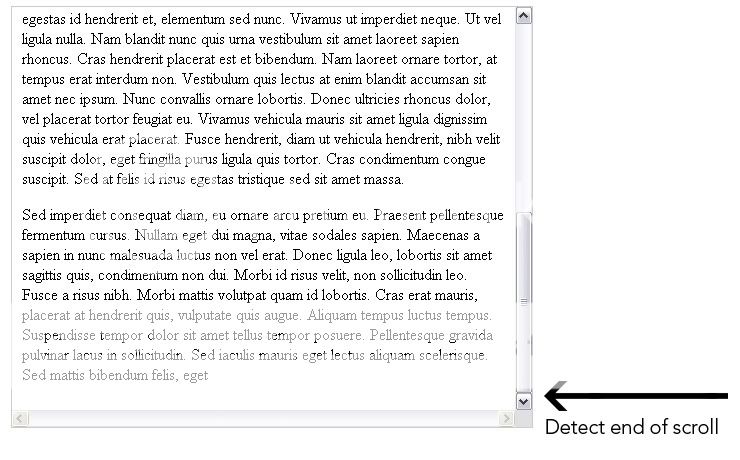
I have a div layer with overflow set to scroll.
When scrolled to the bottom of the div, I wanna run a function.
The accepted answer was fundamentally flawed, it has since been deleted. The correct answer is:
function scrolled(e) {
  if (myDiv.offsetHeight + myDiv.scrollTop >= myDiv.scrollHeight) {
    scrolledToBottom(e);
  }
}
Tested this in Firefox, Chrome and Opera. It works.
OK Here is a Good And Proper Solution
You have a Div call with an id="myDiv"
so the function goes.
function GetScrollerEndPoint()
{
   var scrollHeight = $("#myDiv").prop('scrollHeight');
   var divHeight = $("#myDiv").height();
   var scrollerEndPoint = scrollHeight - divHeight;

   var divScrollerTop =  $("#myDiv").scrollTop();
   if(divScrollerTop === scrollerEndPoint)
   {
       //Your Code
       //The Div scroller has reached the bottom
   }
}
if ((window.innerHeight + window.scrollY) >= document.body.offsetHeight)
{
//your code here
}
I too searched it and even after checking all comments here and more, this is the solution to check if reached the bottom or not.
This will actually be the correct answer:
function scrolled(event) {
   const container = event.target.body
   const {clientHeight, scrollHeight, scrollY: scrollTop} = container

   if (clientHeight + scrollY >= scrollHeight) {
    scrolledToBottom(event);
   }
}
The reason for using the event is up-to-date data, if you'll use a direct reference to the div you'll get outdated scrollY and will fail to detect the position correctly.
additional way is to wrap it in a setTimeout and wait till the data updates.
To do the same in React/JSX, here is the snippet.
export const scrolledToEnd = event => {
  const container = event.target;

  if (container.offsetHeight + container.scrollTop >= container.scrollHeight) {
    return true;
  }
  return false;
};
And in your component add
<Component onScroll={scrolledToEnd}>