
I'm trying to build a PHP site and I'm wanting to test my PHP files without uploading them to my host. Basically testing them on my own machine before I upload them. How do I do that?
14 Answers
I often use following command to spin my PHP Laravel framework :
$ php artisan serve --port=8080
or
$ php -S localhost:8080 -t public/
In above command : - Artisan is command-line interface included with Laravel which use serve to call built in php server
To Run with built-in web server.
php -S <addr>:<port> -T
Here,
-S : Switch to Run with built-in web server.
-T : Switch to specify document root for built-in web server.
If you want an all-purpose local development stack for any operating system where you can choose from different PHP, MySQL and Web server versions and are also not afraid of using Docker, you could go for the devilbox.
The devilbox is a modern and highly customisable dockerized PHP stack supporting full LAMP and MEAN and running on all major platforms. The main goal is to easily switch and combine any version required for local development. It supports an unlimited number of projects for which vhosts and DNS records are created automatically. Email catch-all and popular development tools will be at your service as well. Configuration is not necessary, as everything is pre-setup with mass virtual hosting.
Getting it up and running is pretty straight-forward:
# Get the devilbox
$ git clone https://github.com/cytopia/devilbox
$ cd devilbox

# Create docker-compose environment file
$ cp env-example .env

# Edit your configuration
$ vim .env

# Start all containers
$ docker-compose up
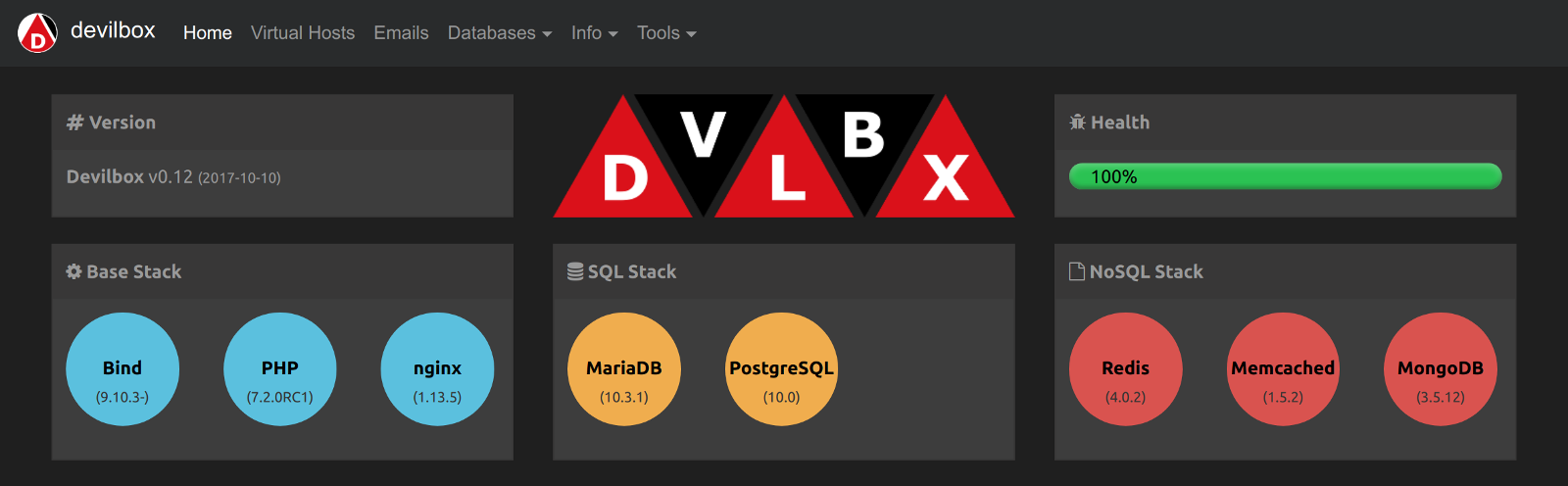
Links:
- Github: https://github.com/cytopia/devilbox
- Website: http://devilbox.org
you can create your own server in php using code as well!
<?php
set_time_limit(0);

$address = '127.0.0.1';
$port =4444;
$server = '$address + $port';

// <-- Starts Server
$sock = socket_create(AF_INET, SOCK_STREAM, 0);
socket_bind($sock, $address, $port) or die('Could not bind to address');
echo "\n Server is running on port $port waiting for connection... \n\n";

while(1)
{
    socket_listen($sock);
    $client = socket_accept($sock);

    $input = socket_read($client, 443);

    $incoming = array();
    $incoming = explode("\r\n", $input);

    $fetchArray = array();
    $fetchArray = explode(" ", $incoming[0]);

    $file = $fetchArray[1];
    if($file == "/"){
$file = "src/browser.php";// this file is open with server when it starts!
    } else {

        $filearray = array();
        $filearray = explode("/", $file);
        $file = $filearray[1];
    }

echo $fetchArray[0] . " Request " . $file . "\n";

// <-- Control Header
$output = "";
$Header = "HTTP/1.1 200 OK \r\n" .
"Date: Fri, 31 Dec 1999 23:59:59 GMT \r\n" .
"Content-Type: text/html \r\n\r\n";

$Content = file_get_contents($file);
$output = $Header . $Content;

    socket_write($client,$output,strlen($output));
    socket_close($client);

}
print('server running..');
run this code then open browser to localhost:443 or whichever port you chose
Related