
I'm using Graphviz to draw some graphs. I'm using labels on nodes and I can put in "\n" to force it to split the label across 2 lines. Is there some way to get Graphviz (or dot which I'm using) to automatically see that it should split some nodes labels, and for it itself to make the best choice automagically?
Automatic multiline labels in Graphviz?
Viewed 15222
4 Answers
One person wrote a Perl script to achieve this. I found it in his blog: Text wrapping with dot (graphviz).
⚠ Note
This only works if the labels are in the format
node [ label=”node label” ]. If the nodes are declared directly (e.g.”node label”) then it doesn’t work
Perl script:
#!/usr/bin/perl
use strict;

my $usage = "setdotlabelwidth [char-width] < [dotfile]";
my $width = shift() or die("Usage: $usage $!");

while(<STDIN>)
{
  if(m/label="(.*?)"/)
  {
    my $labeltext = $1;
    my @words = split(/ /, $labeltext);
    my @newtext = ();
    my $newline = "";
    foreach my $word(@words)
    {
      if( length($newline) > 0 and
          length($newline) + length($word) > $width )
      {
        push(@newtext, $newline);
        $newline = "";
      }
      $newline .= " " if( length($newline) > 0 );
      $newline .= $word;
    }
    push(@newtext, $newline) if( length($newline) > 0 );
    my $newlabel = join("\\n", @newtext);
    s/label=".*?"/label="$newlabel"/;
  }
  print;
}
Save this program as setdotlabelwidth, then simply pipe the output into GraphViz. If for example you want to set the width to 35 characters, then the command is:
./setdotlabelwidth 35 < tile-error-correction.dot | dot -Tpng -o tile-error-correction.png
Before: 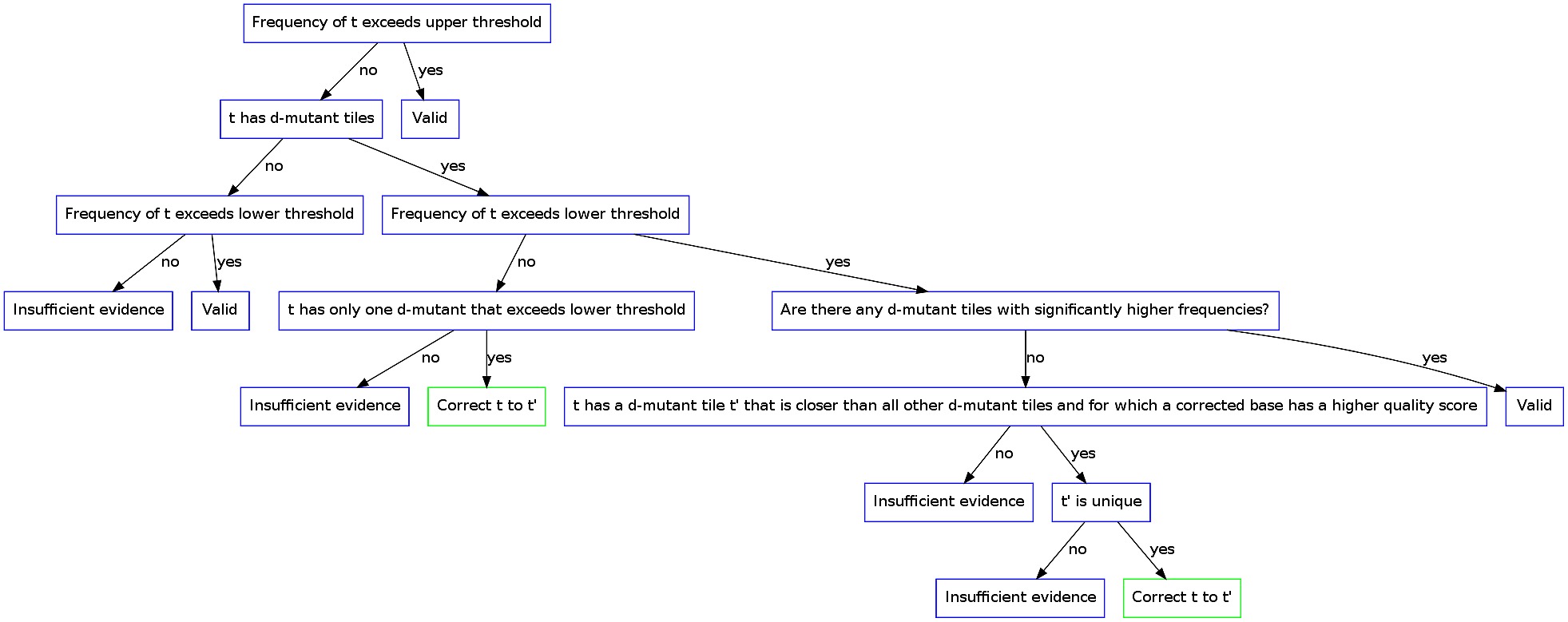 After: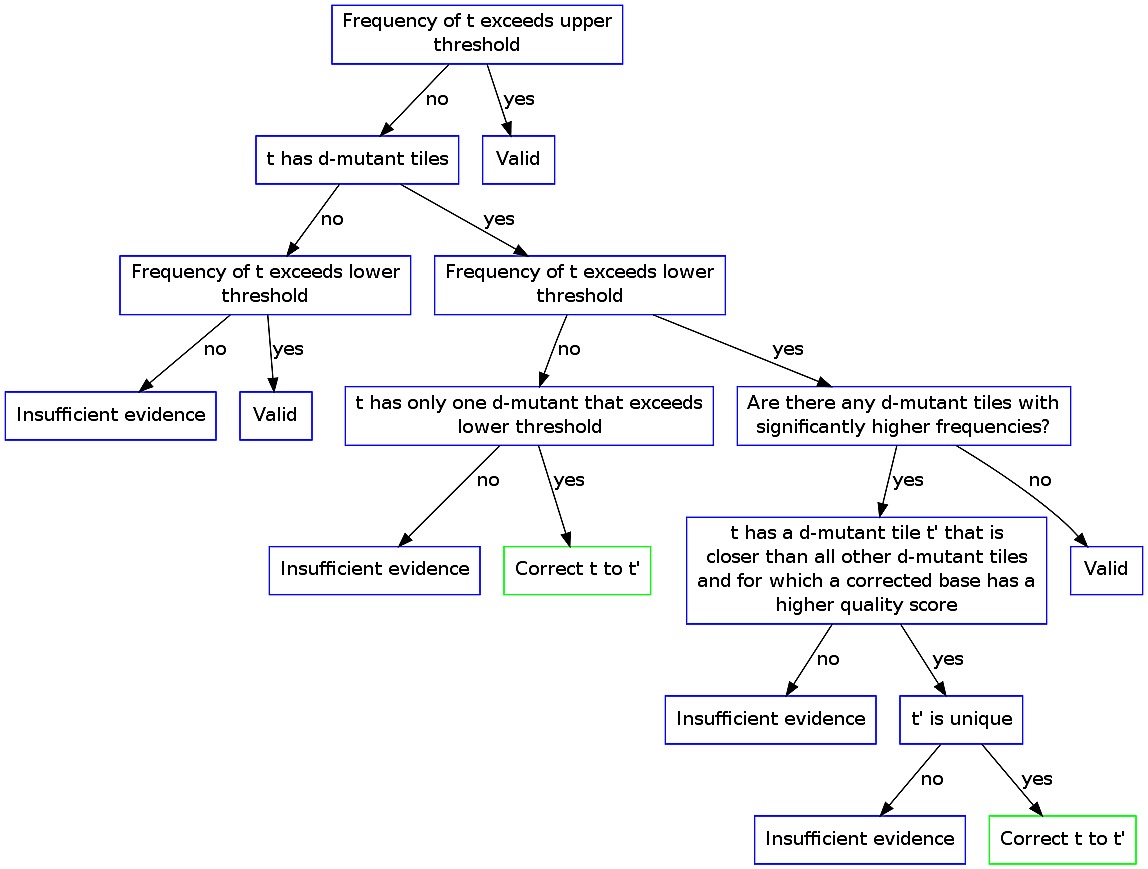
Related